Purchasing, inventory & items
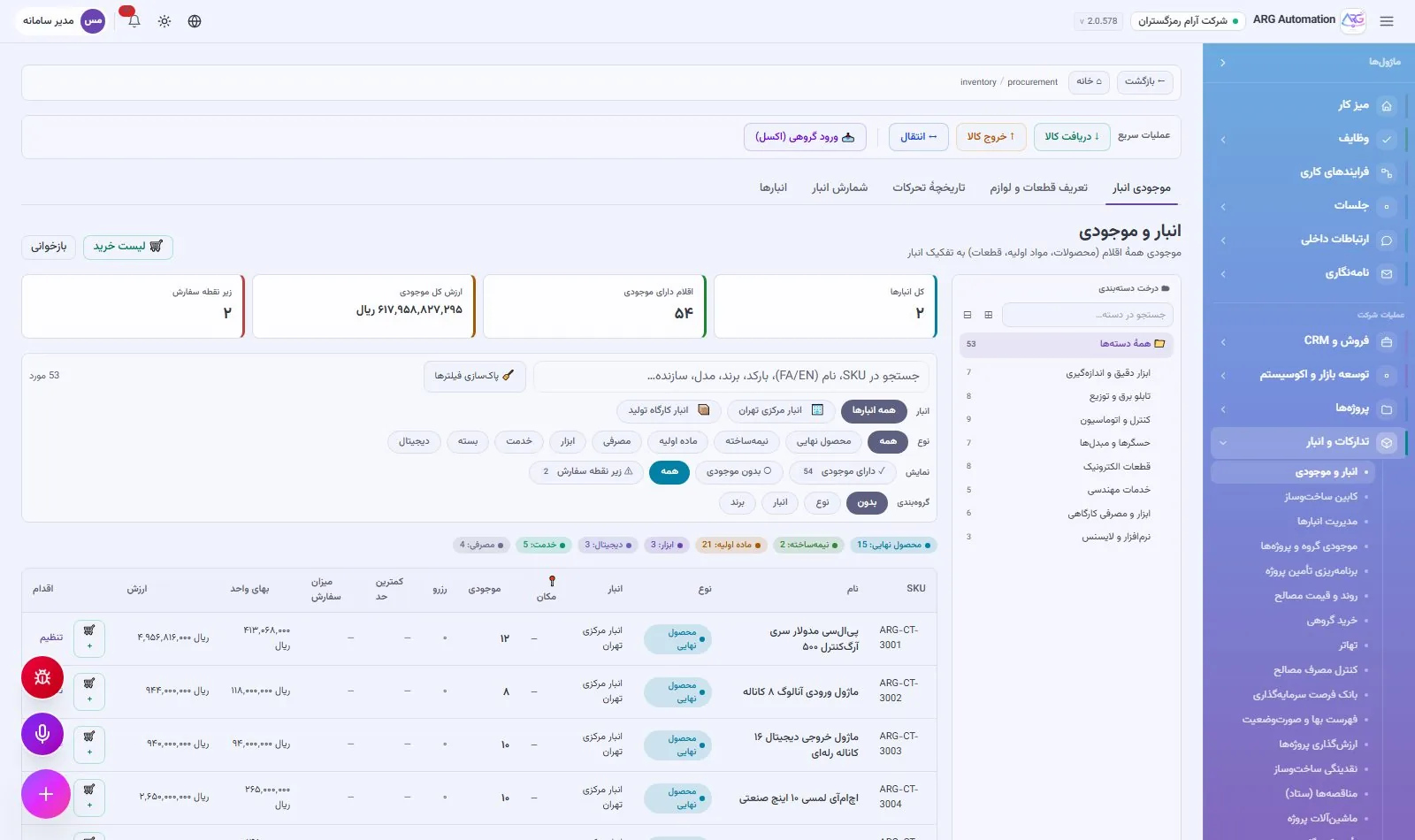
Purchasing starts from real stock shortages, every item’s stock in every warehouse is live and valued, and product costs are computed from the bill of materials.
Purchasing and suppliers
Purchasing starts from the warehouse’s real needs, not from guesswork. The system finds items below their reorder point, prepares a purchase order for each item’s preferred supplier, and updates stock and average cost when the goods arrive. At the end of each period, every supplier’s scorecard is built from real orders.
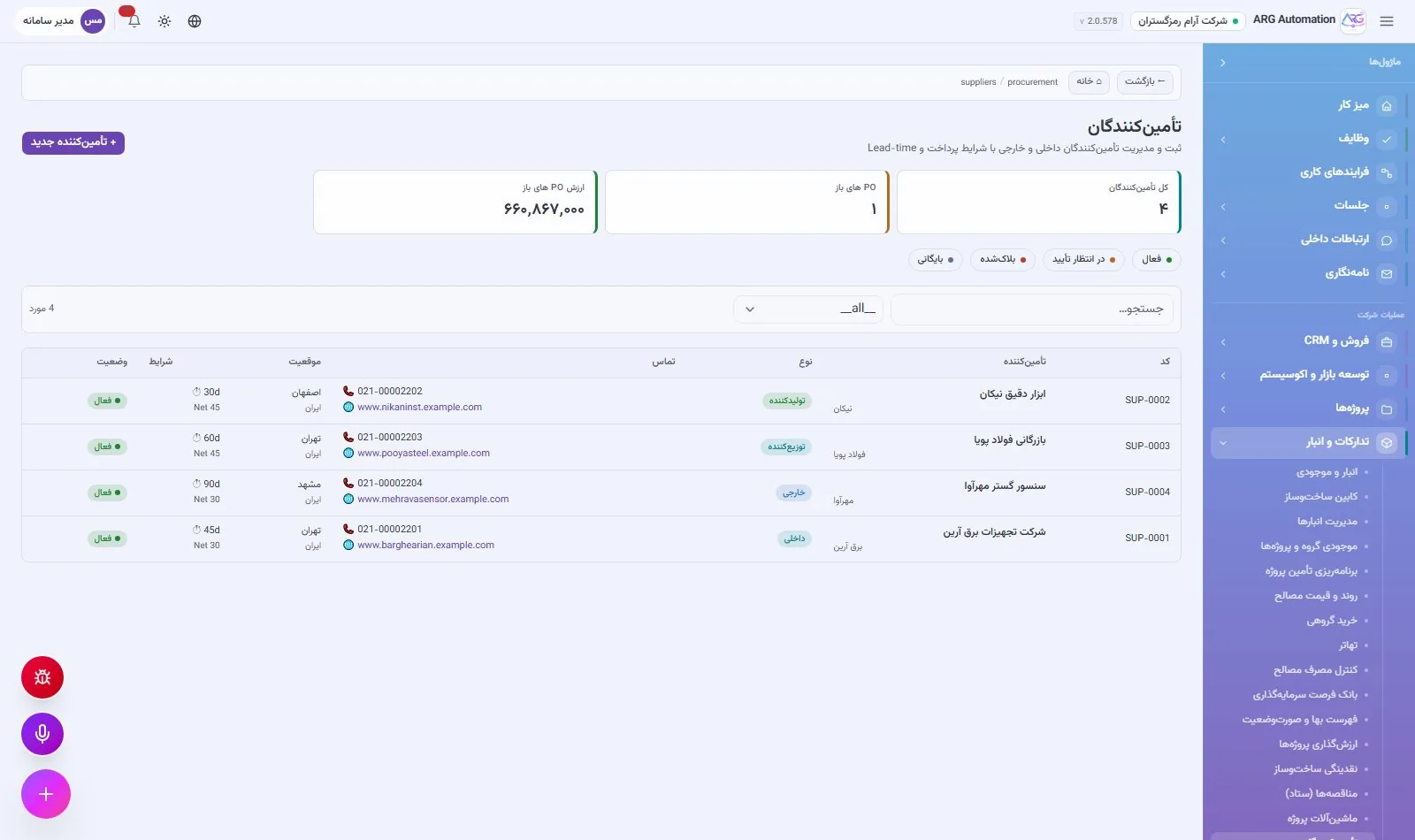
The supplier book
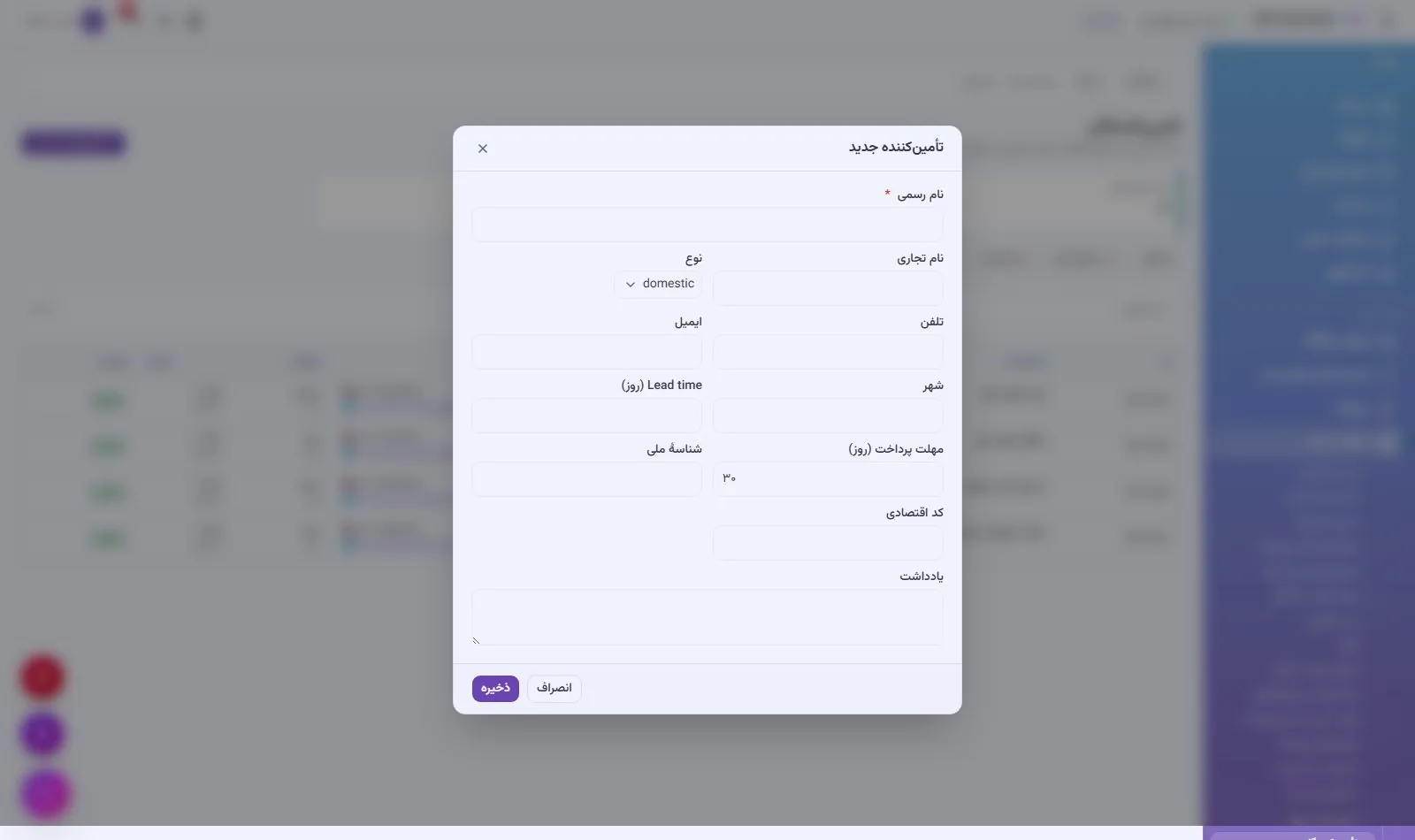
Each supplier has a complete record: legal identity, bank details, payment terms, lead time and type (domestic or foreign). Each supplier’s price catalogue is kept separately, and a preferred supplier can be set for each item.
Purchase orders
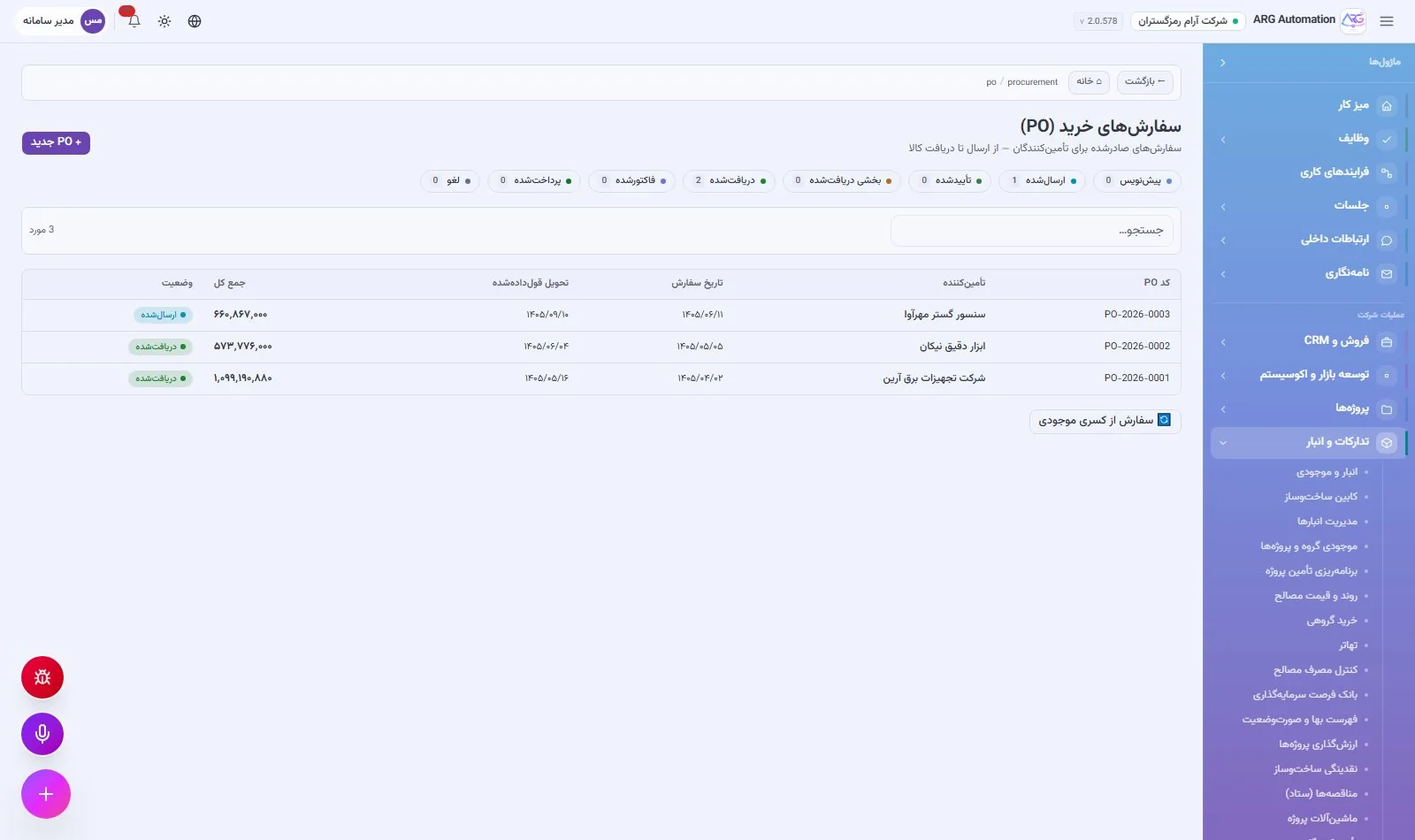
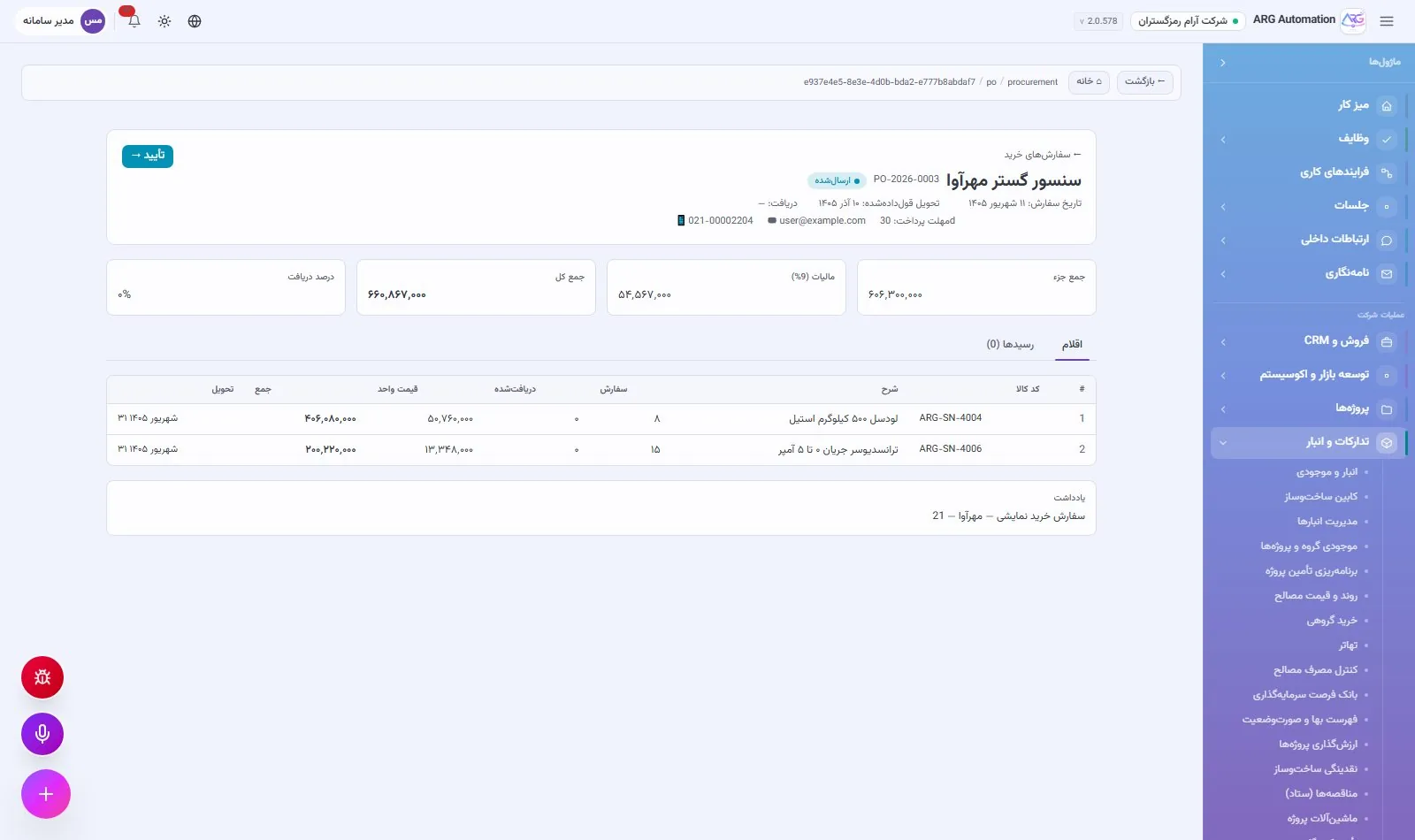
Purchase orders are created from the warehouse’s purchase basket or by hand. For stock shortages the system drafts orders automatically and groups each supplier’s items into one order. An order moves through nine statuses, from draft and approval to sending, receipt and closing, and every step is recorded on the order’s detail page.
Receiving goods
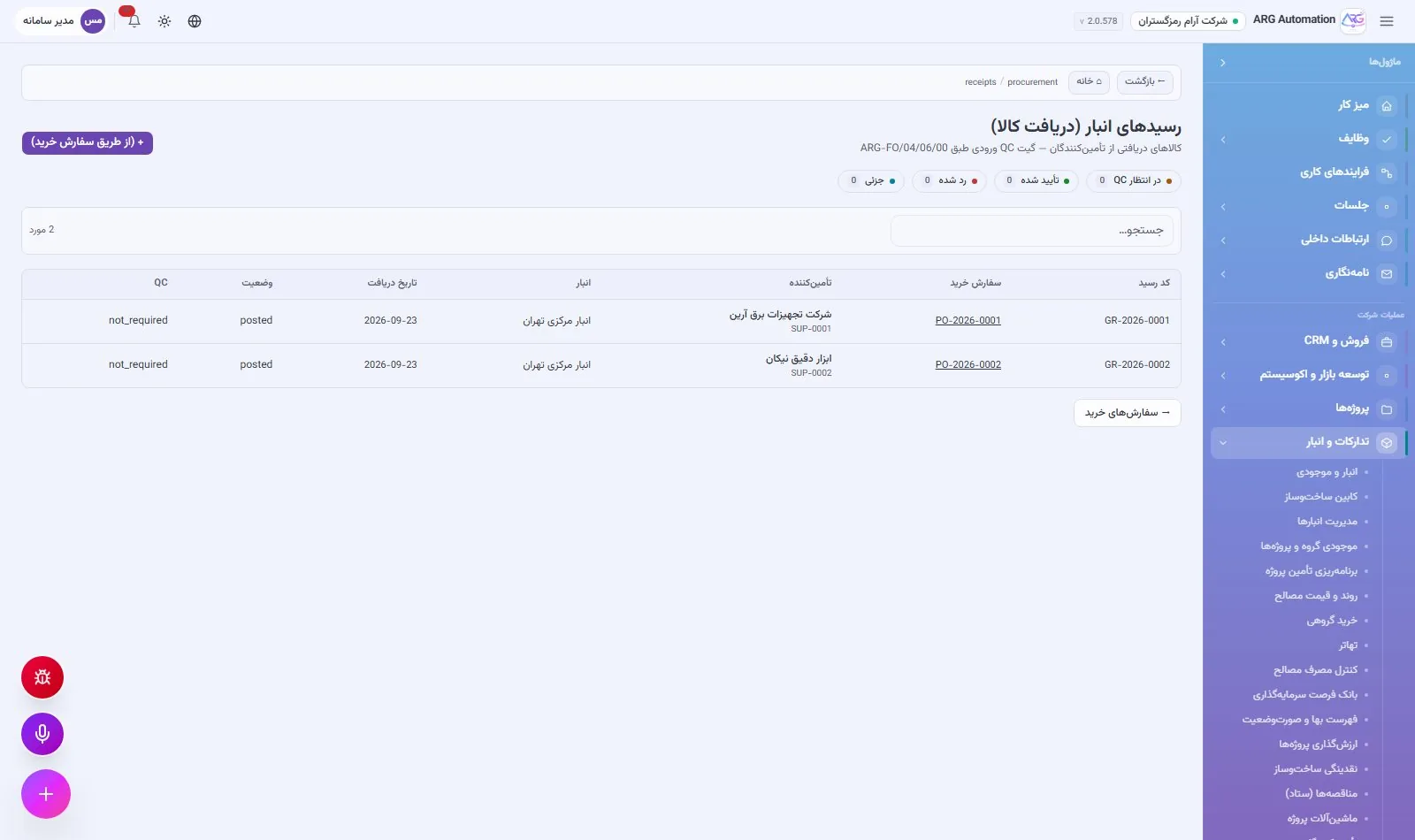
When goods arrive, a warehouse receipt is recorded, the receiving warehouse’s stock goes up and each item’s weighted average cost is recalculated. The receipt is linked to the purchase order and the supplier and can be traced at any time.
Supplier scorecards
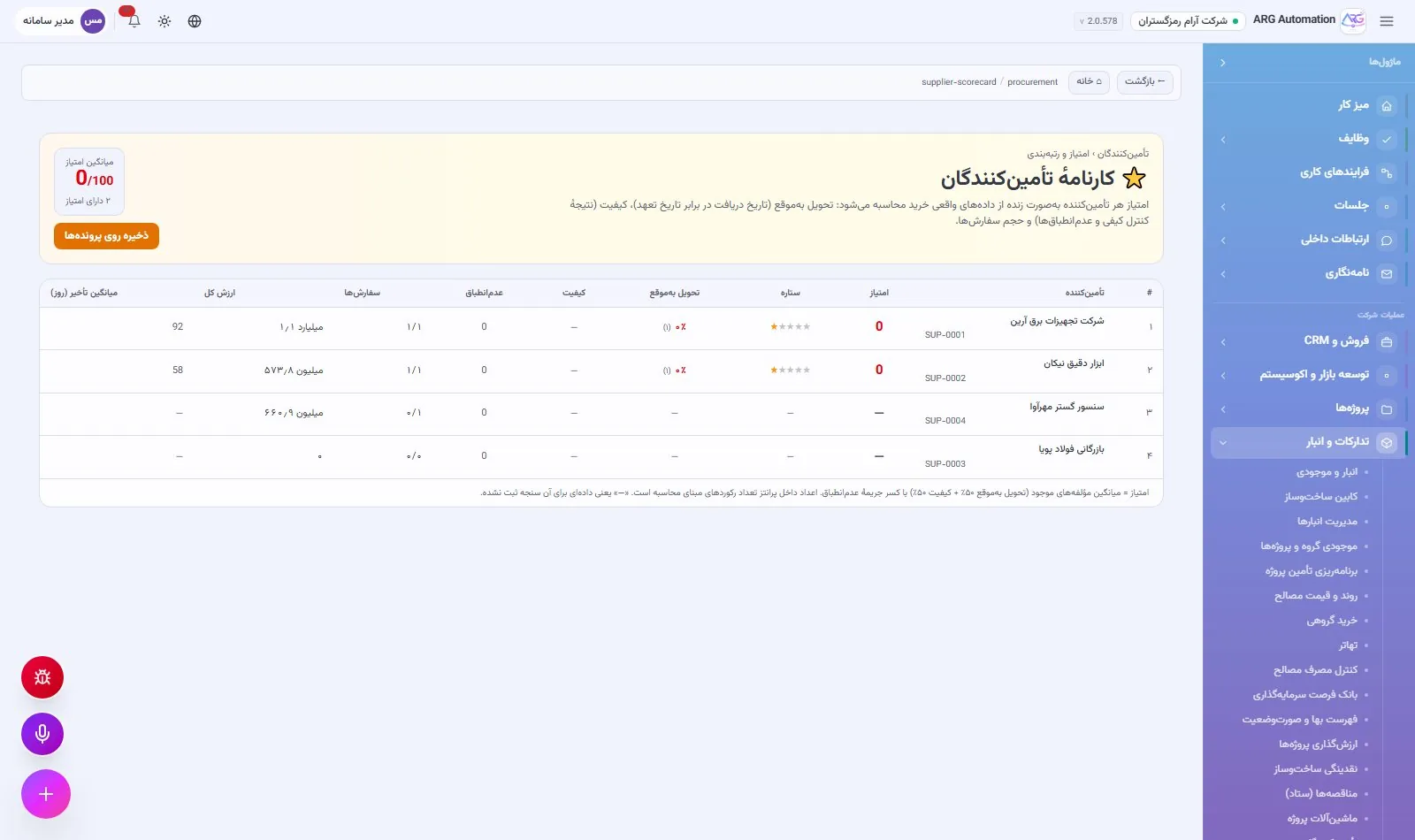
For each supplier the system calculates, from real orders, the purchase volume, number of orders, on-time delivery rate (promised date compared with receipt date) and an overall score from zero to five. The next purchasing decision is made on performance, not memory.
Inventory and stock
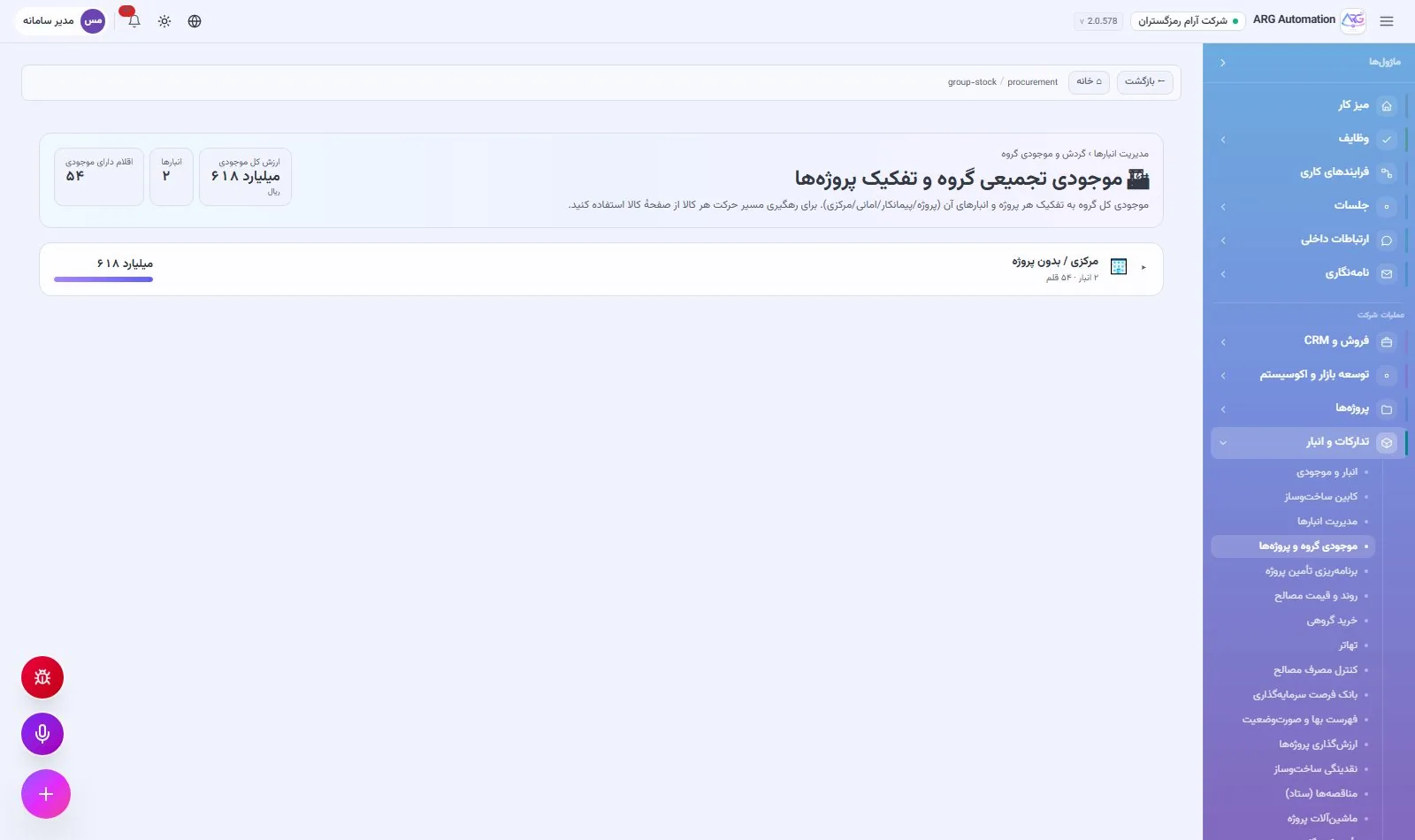
The stock of every item in every warehouse is always in view, live and valued in rials. Every receipt, issue, transfer and adjustment is a recorded event linked to its source document. Every number can be traced to its origin, and stock-taking becomes a simple closed cycle instead of a laborious yearly job.
Warehouses with roles
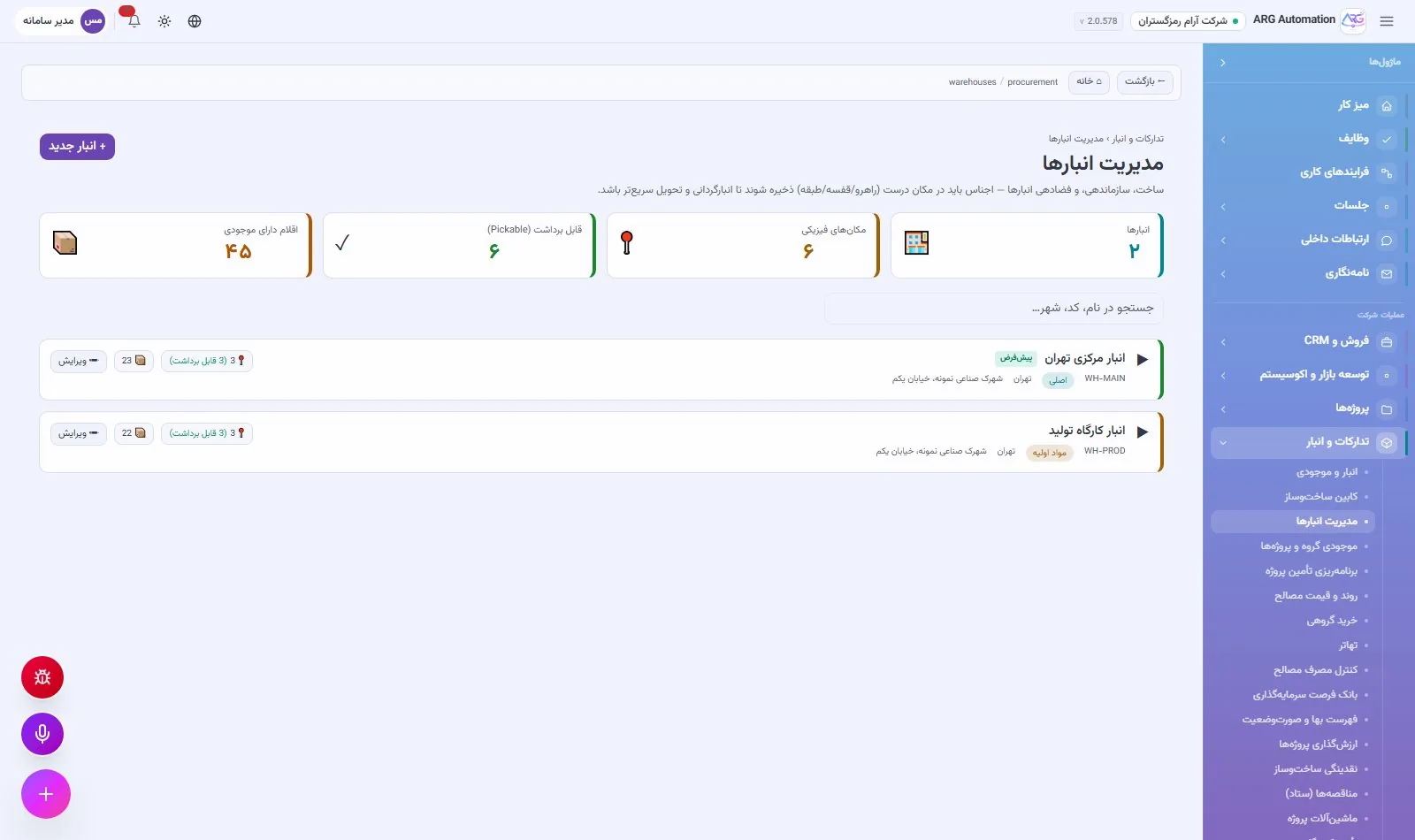
An organisation defines as many warehouses as it needs, and each warehouse has one of eleven roles, including central warehouse, production workshop, project store and stock held at a contractor. Inside each warehouse, shelving with aisle, rack and level codes is possible. Stock can also be viewed by project.
Daily warehouse operations
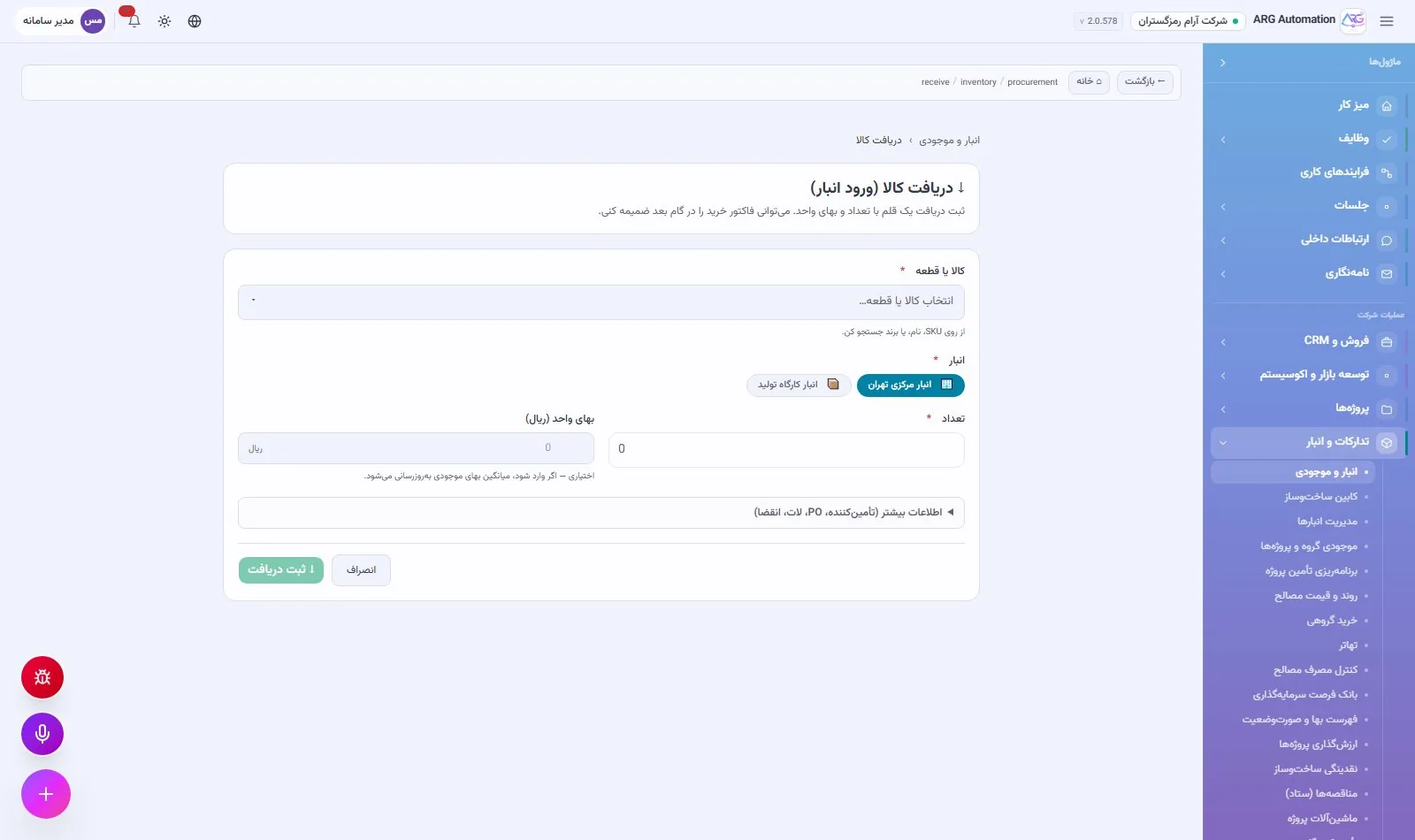
Receipt
Goods received with quantity and unit cost; several items can be received together.
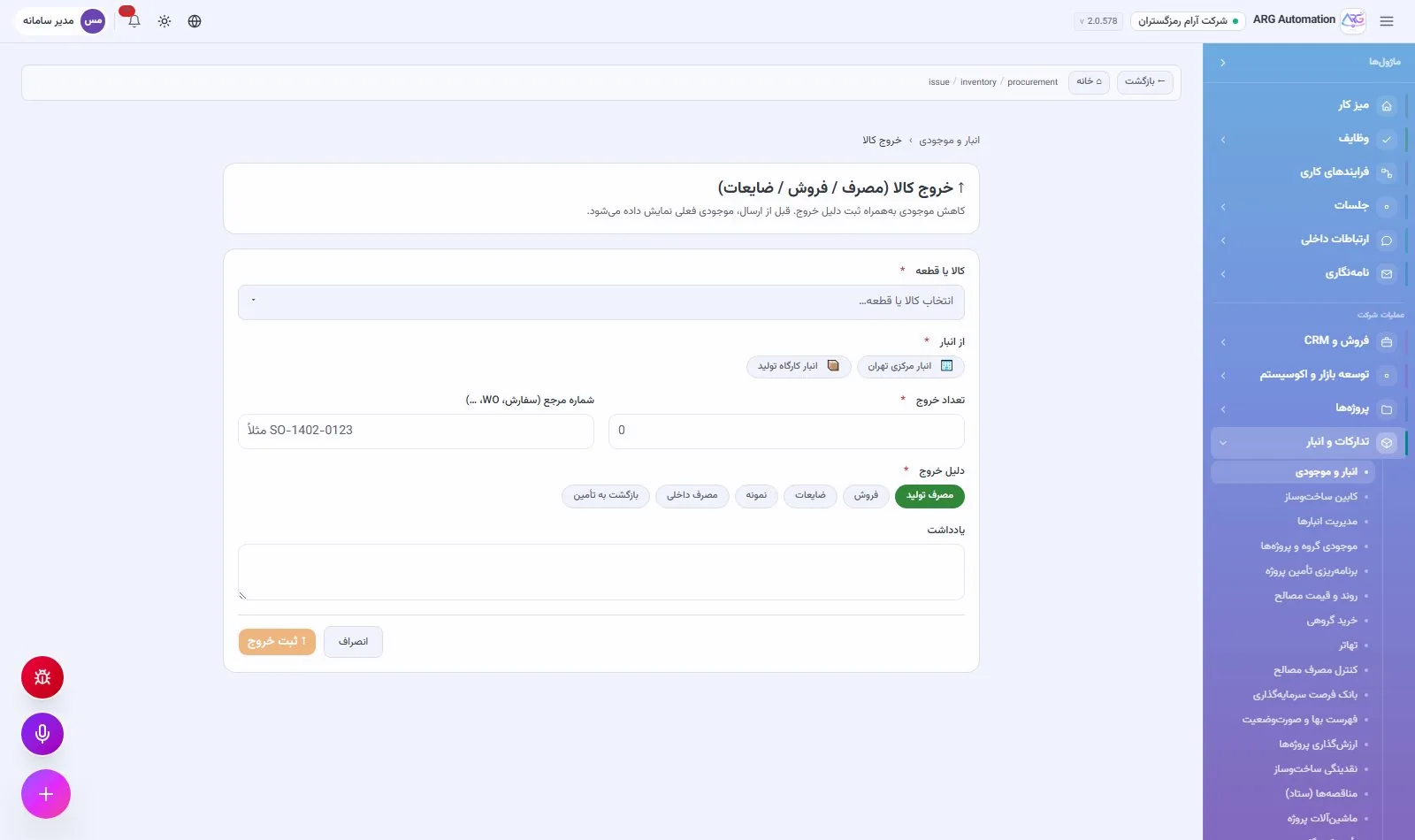
Issue
Consumption, sale or scrap, with a check that there is enough stock before posting.
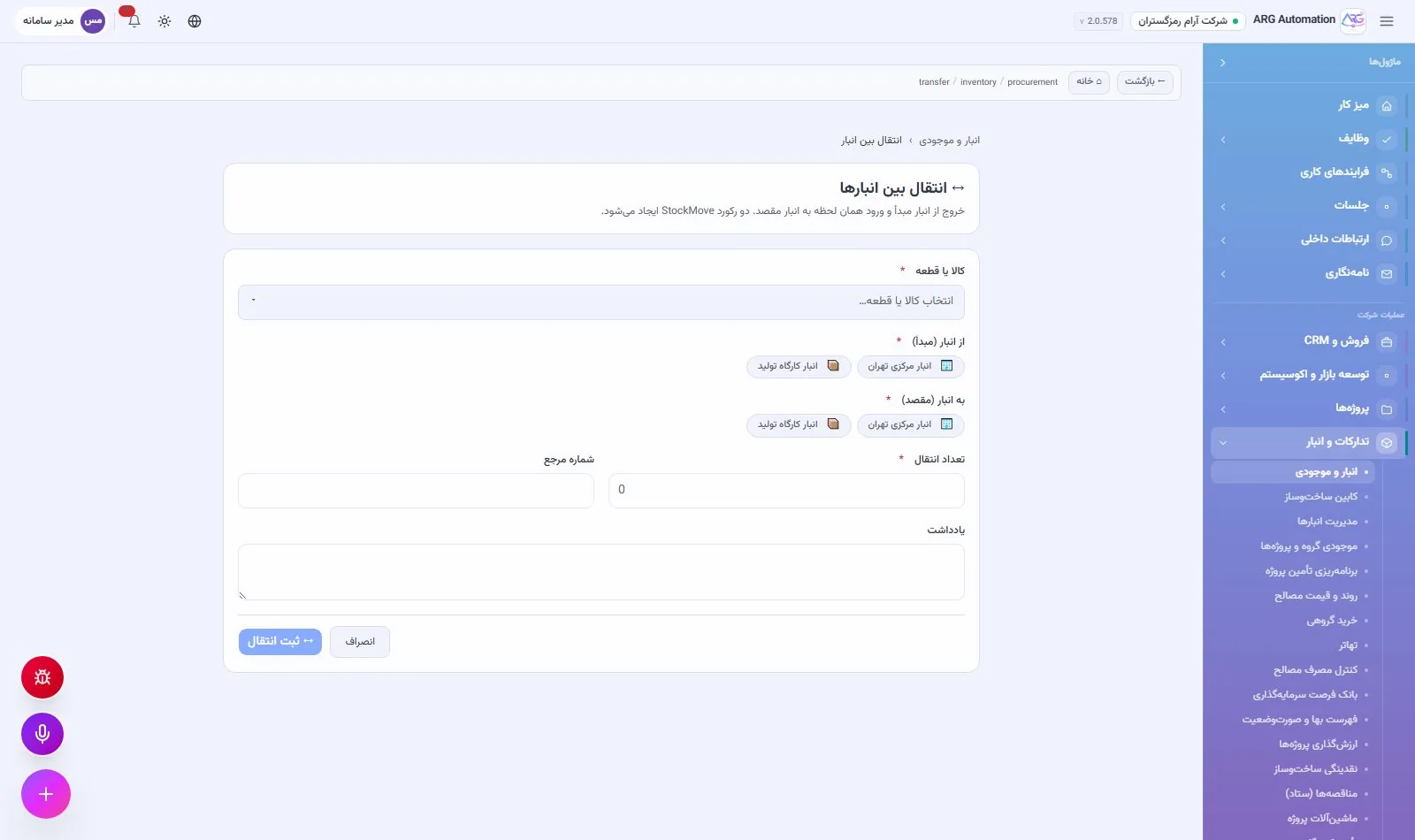
Transfer
Moving goods between warehouses with one document and a check of the source stock.
Adjustment
Correcting quantity and value with a recorded reason and note.
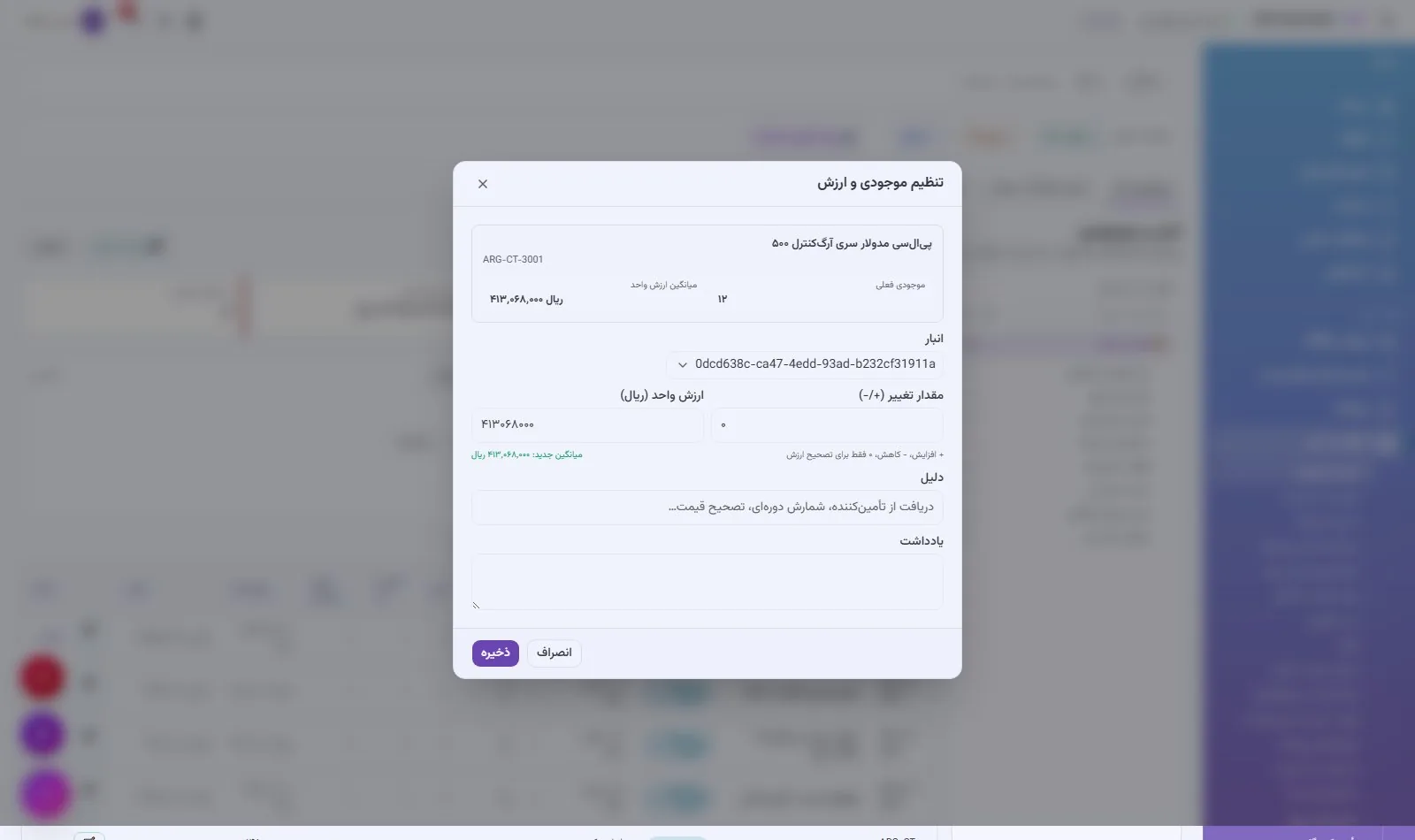
Batches, serial numbers and expiry
For items that need traceability, the batch, serial number and expiry date are recorded, and each item can be traced from receipt to consumption.
Stock-taking
Stock-taking is a closed cycle: a count is defined, its lines are created from the system’s stock, counted quantities are recorded and the differences are applied to stock with one reconciliation. The date of the last count stays on each stock line.
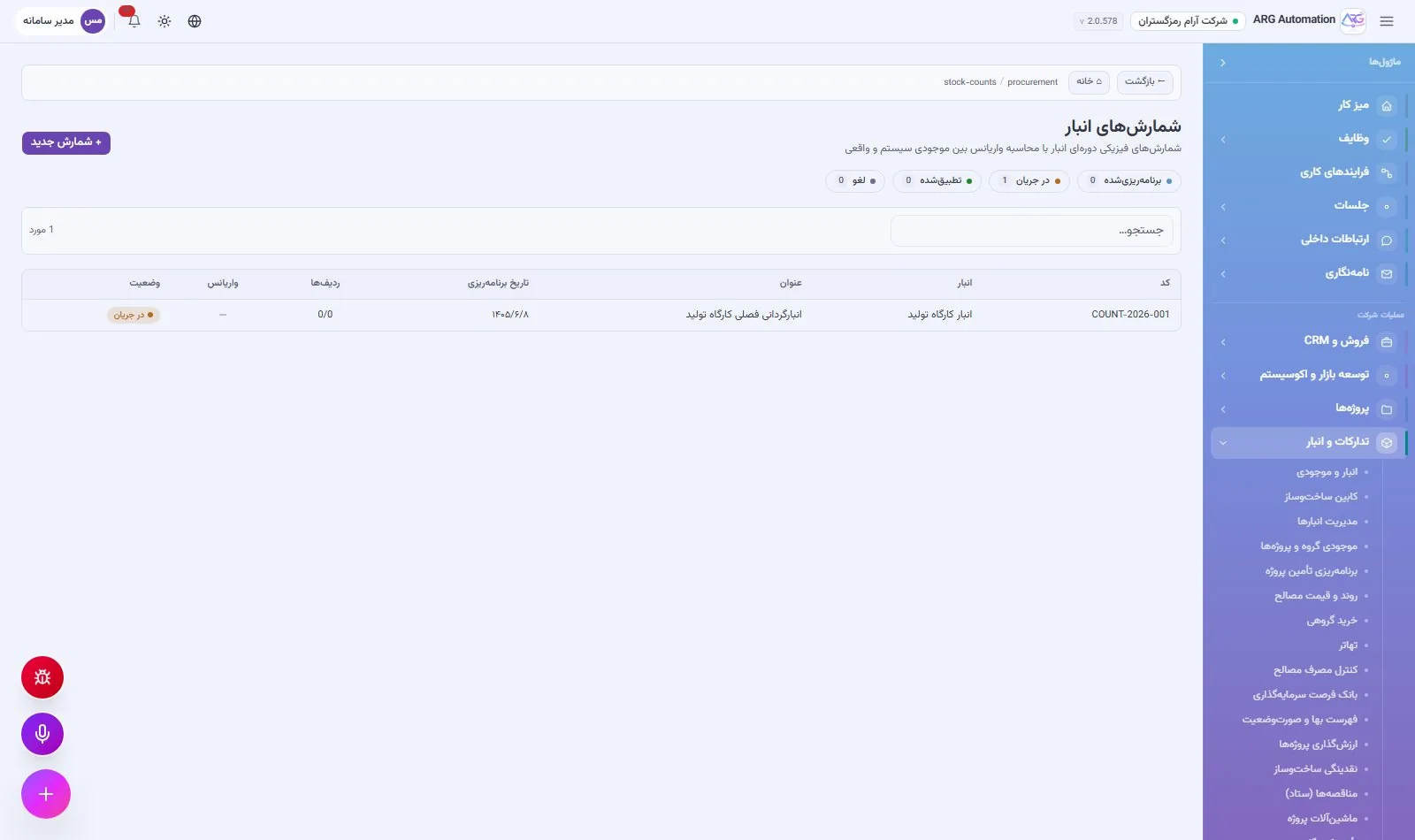
Valuation
Stock is valued at weighted average cost, and the average unit cost is recalculated with every receipt. The same formula is used on every inbound path, from purchasing and production to manual receipts. The total stock value appears on the finance dashboard and the executive cockpit.
Items, services and product cost
The catalogue of goods and services is the foundation of sales, purchasing, inventory, production and projects. Each item is defined once and used everywhere with the same code, unit and price. For manufactured products the system calculates the full cost from the bill of materials and shows each product’s profit margin.
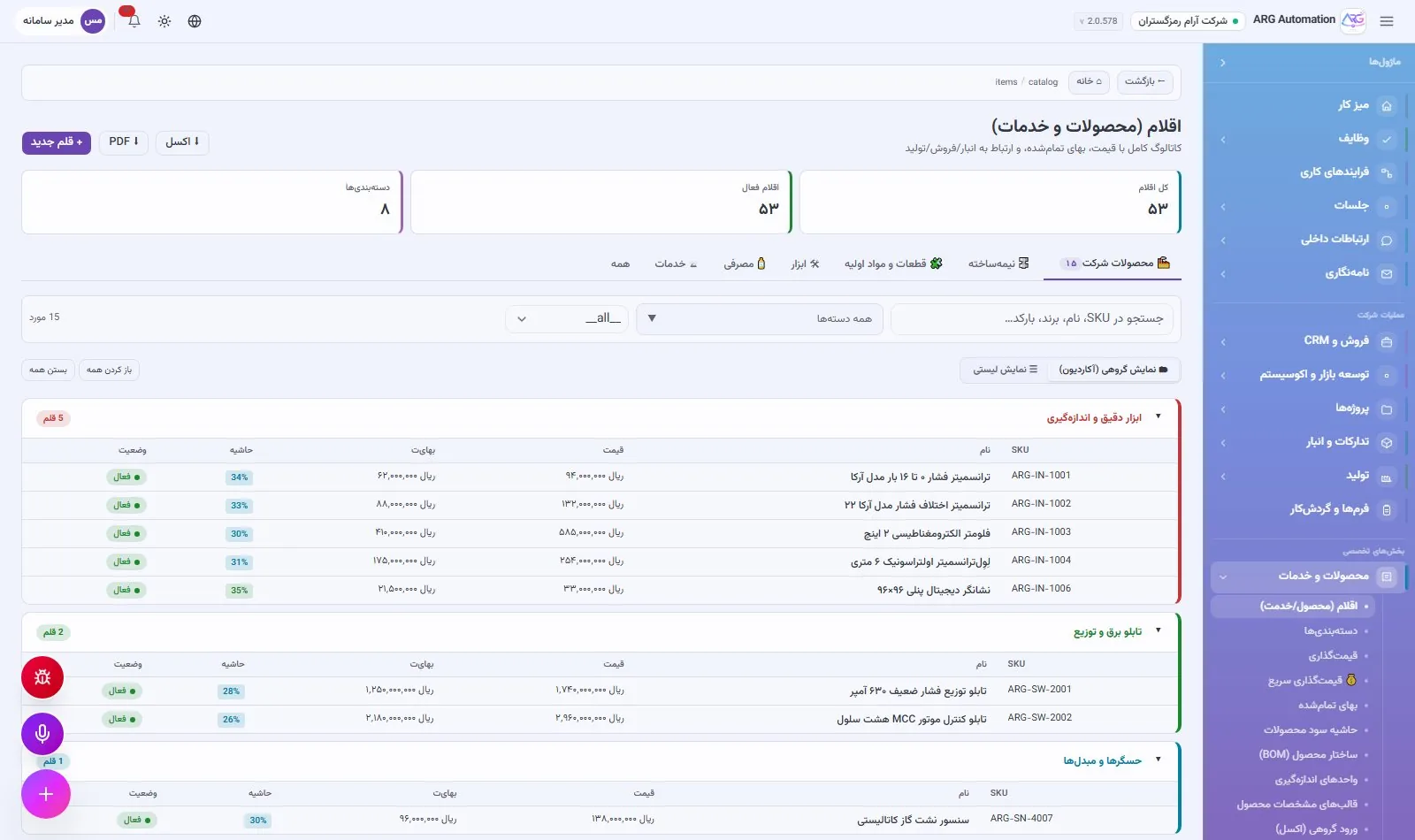
One model for goods and services
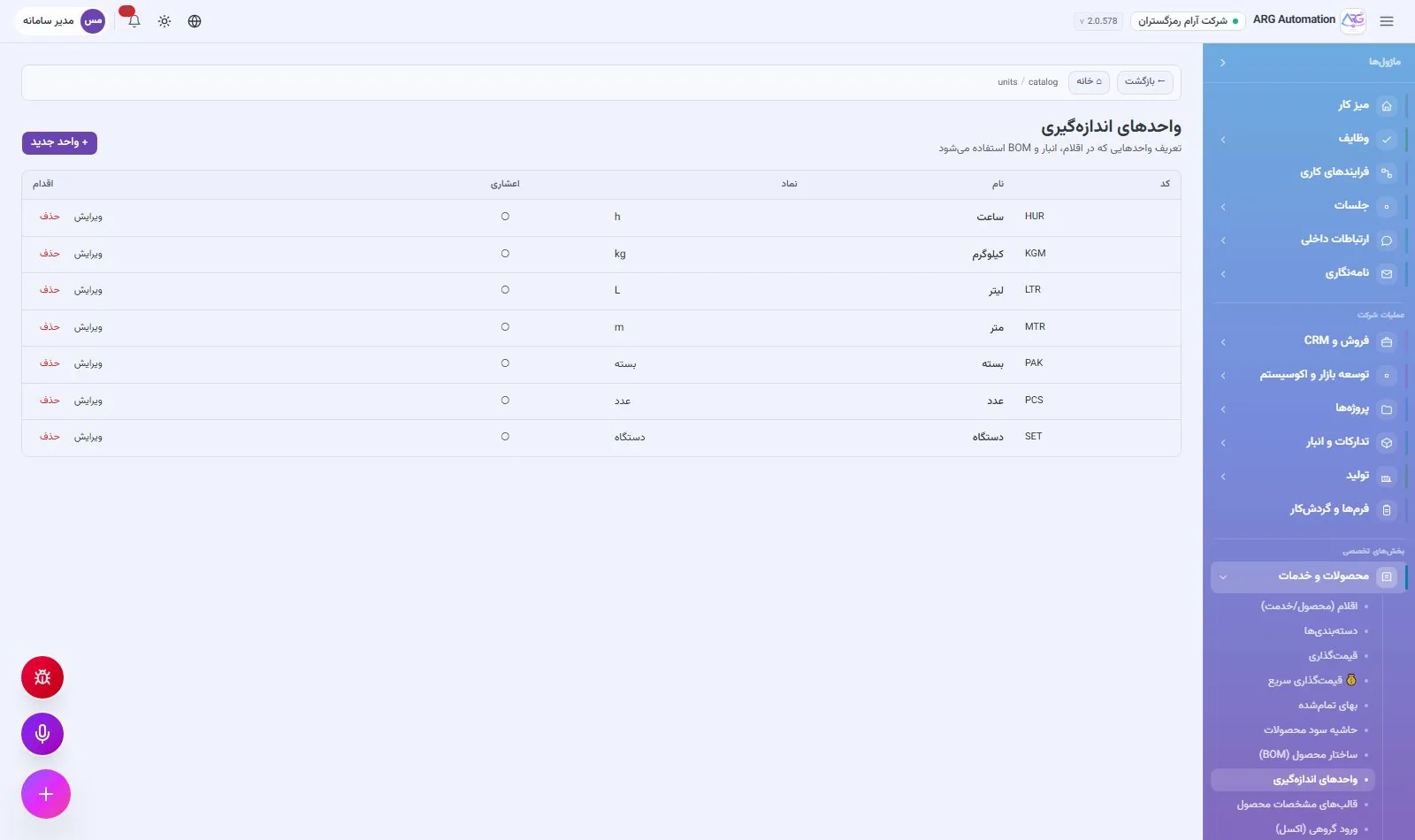
Goods and services are kept in one model with eight types (including finished product, semi-finished, raw material, consumable, tool and service) and four statuses. Grouping is a tree and units of measure control decimals. Each item can have a separate sales unit.
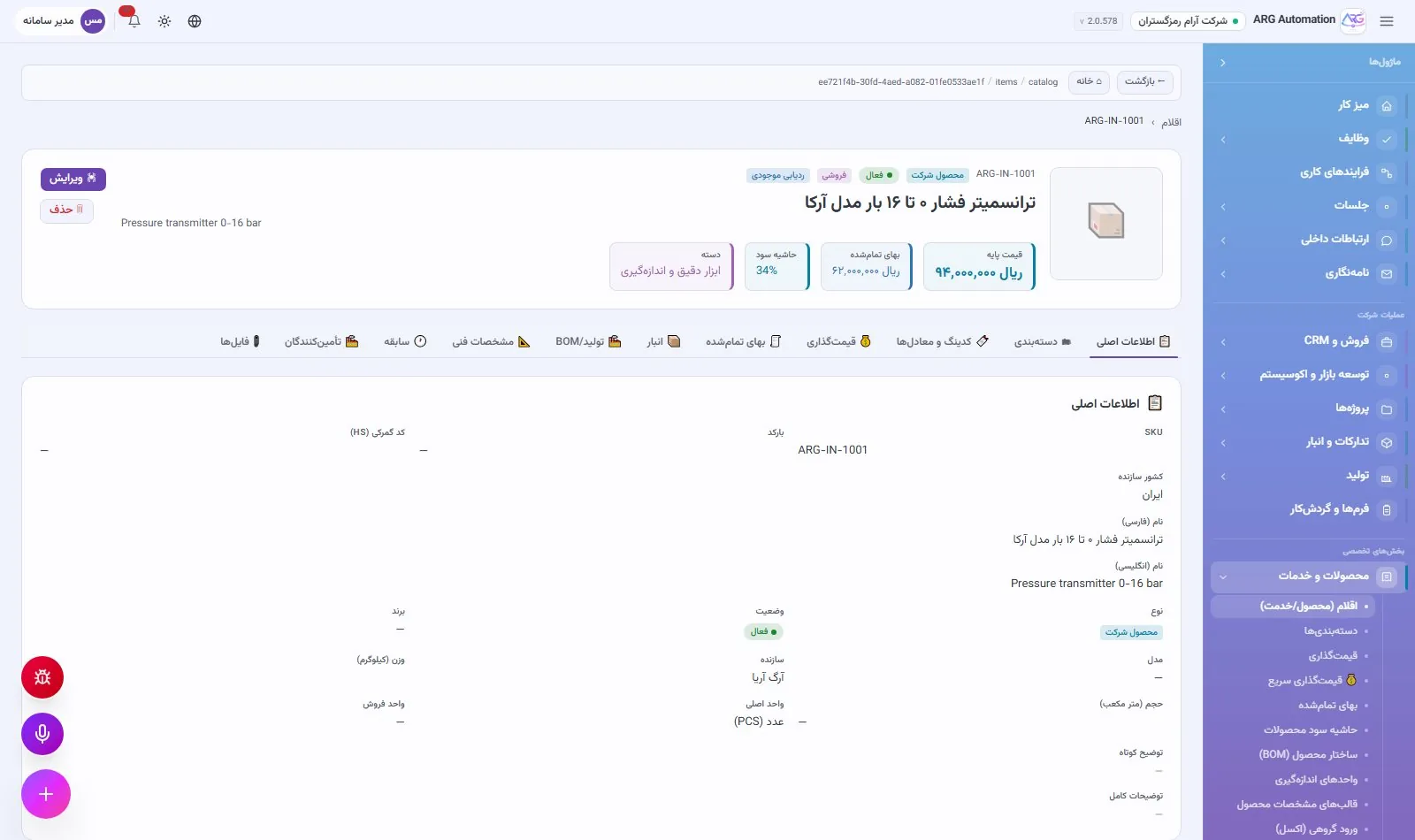
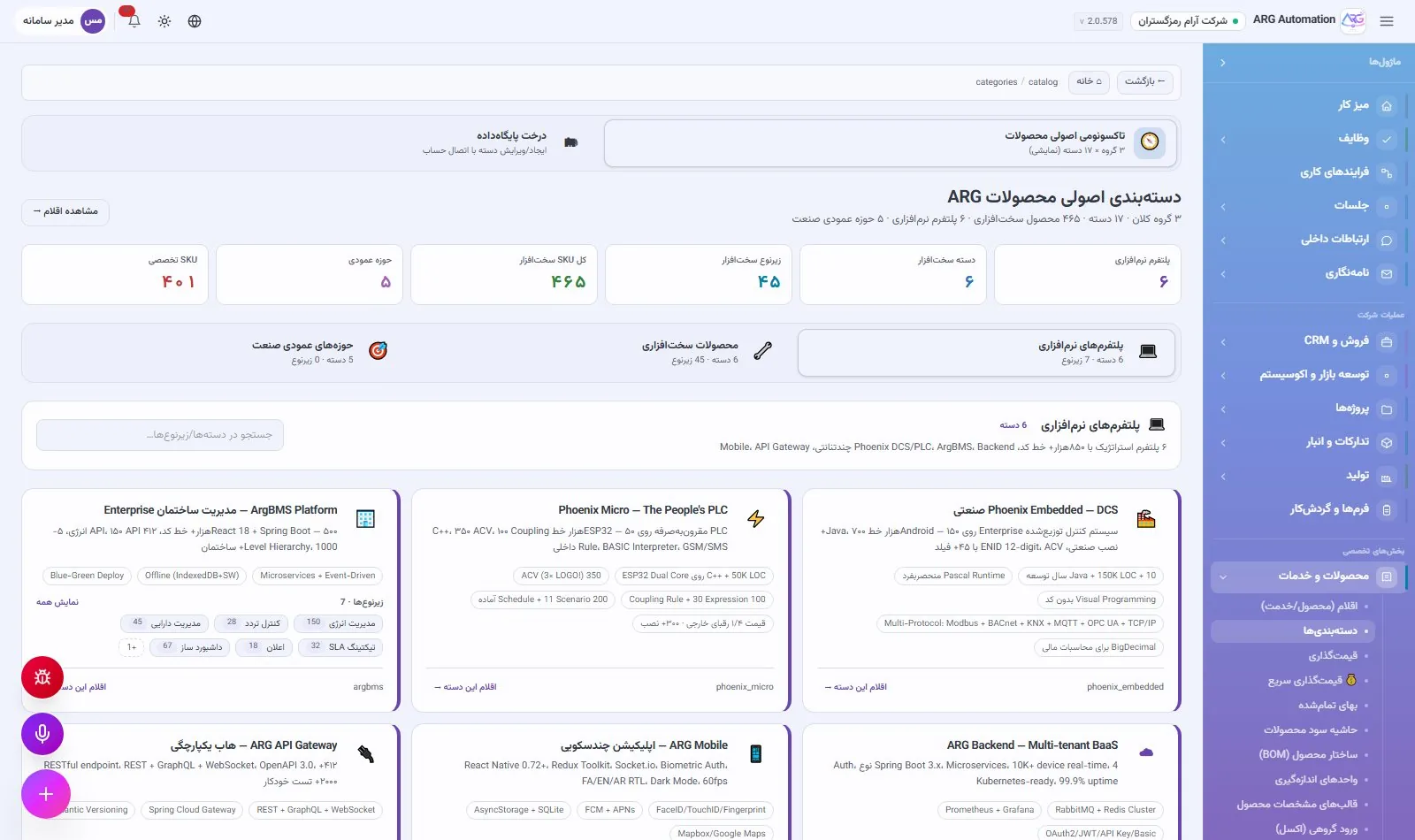
Alternative codes and equivalent items
Each item can have alternative codes such as the manufacturer’s code, the supplier’s code or a barcode. Equivalent and substitute items are also defined, so when one item is out of stock its replacement can be found.
Bill of materials and product cost
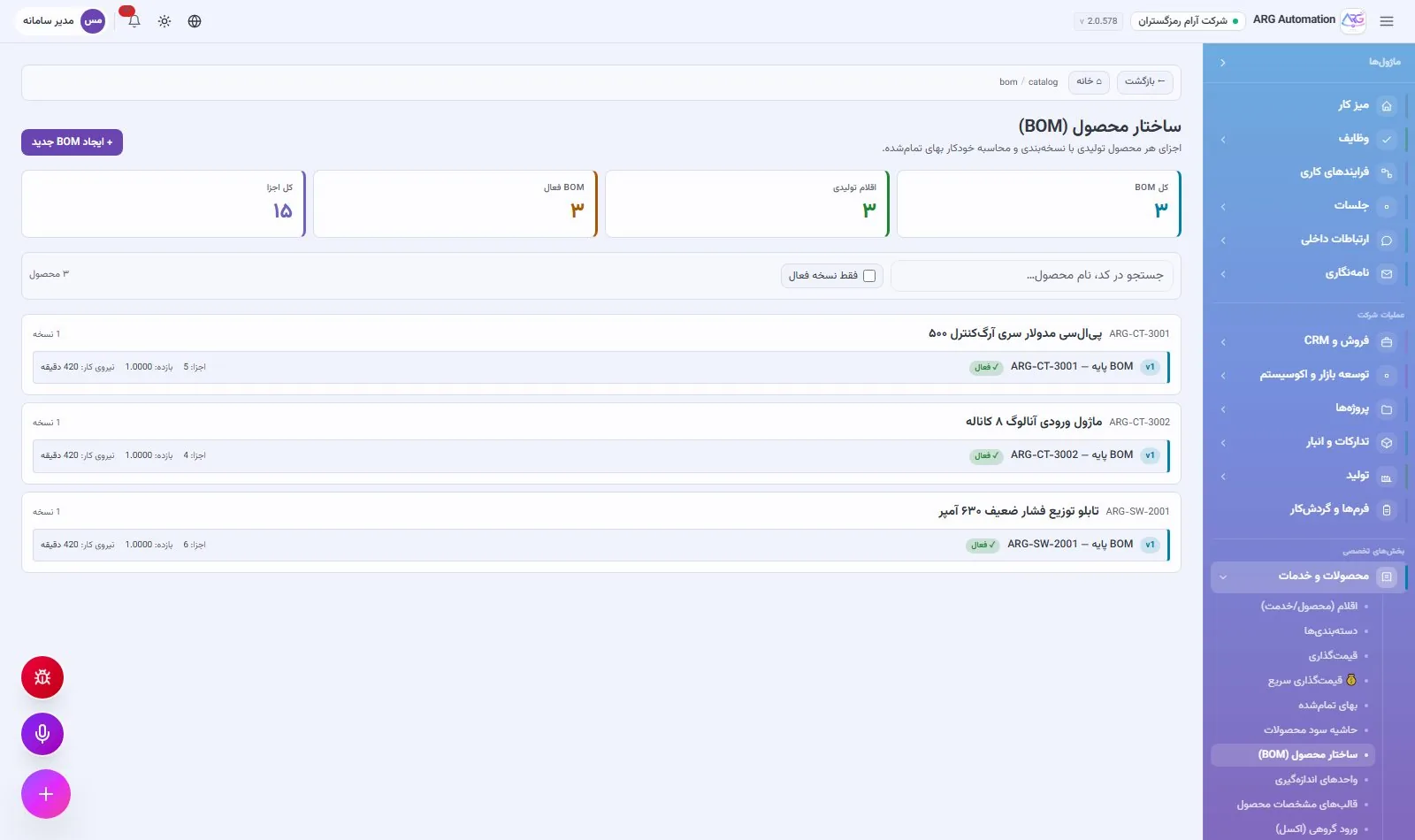
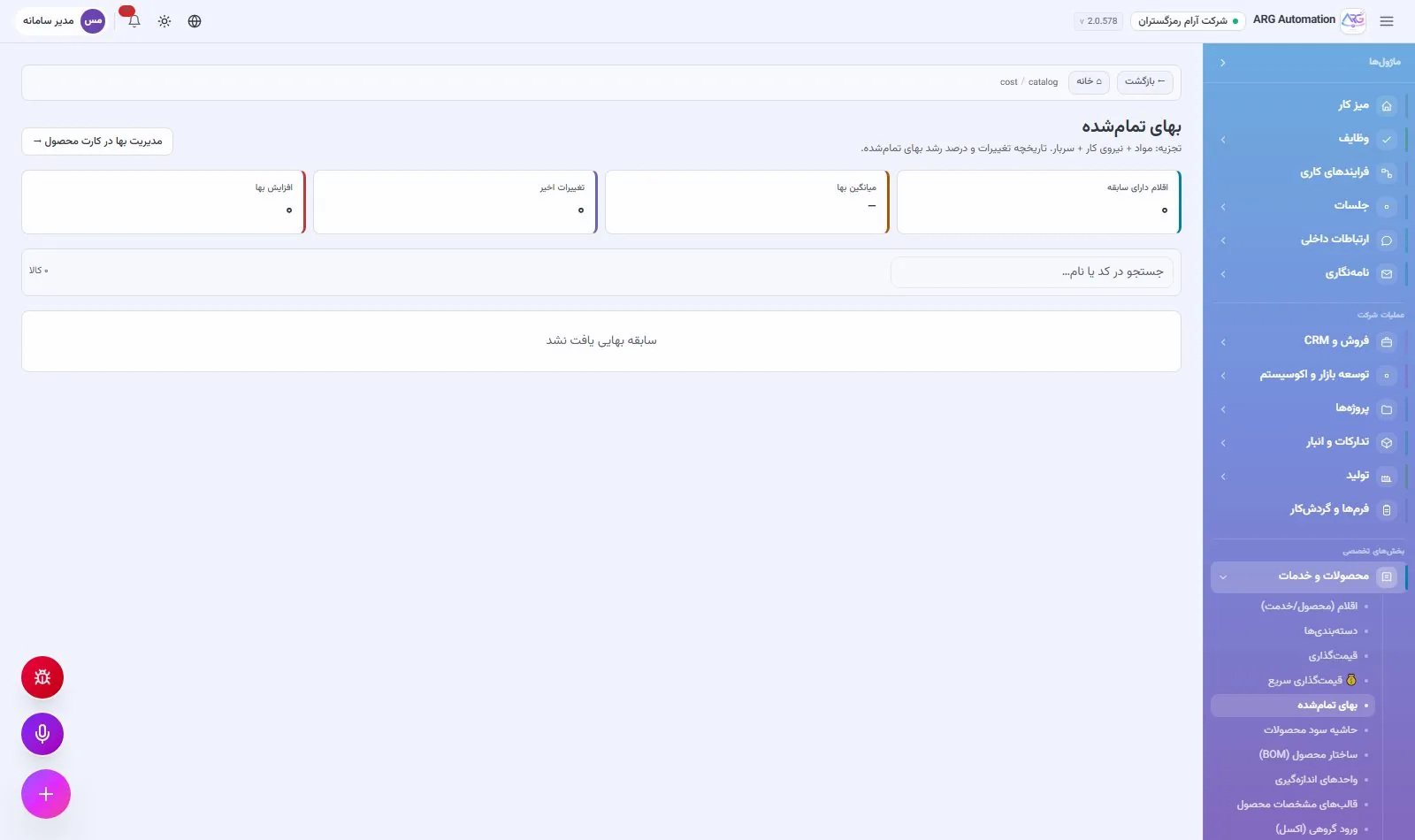
The bill of materials (BOM) is versioned: components, quantity, scrap percentage of each component and labour time. The system calculates the full cost from the BOM, shows a preview and applies it on confirmation. Each item’s cost history is kept. Components used in an active BOM cannot be deleted.
Pricing and profit margin
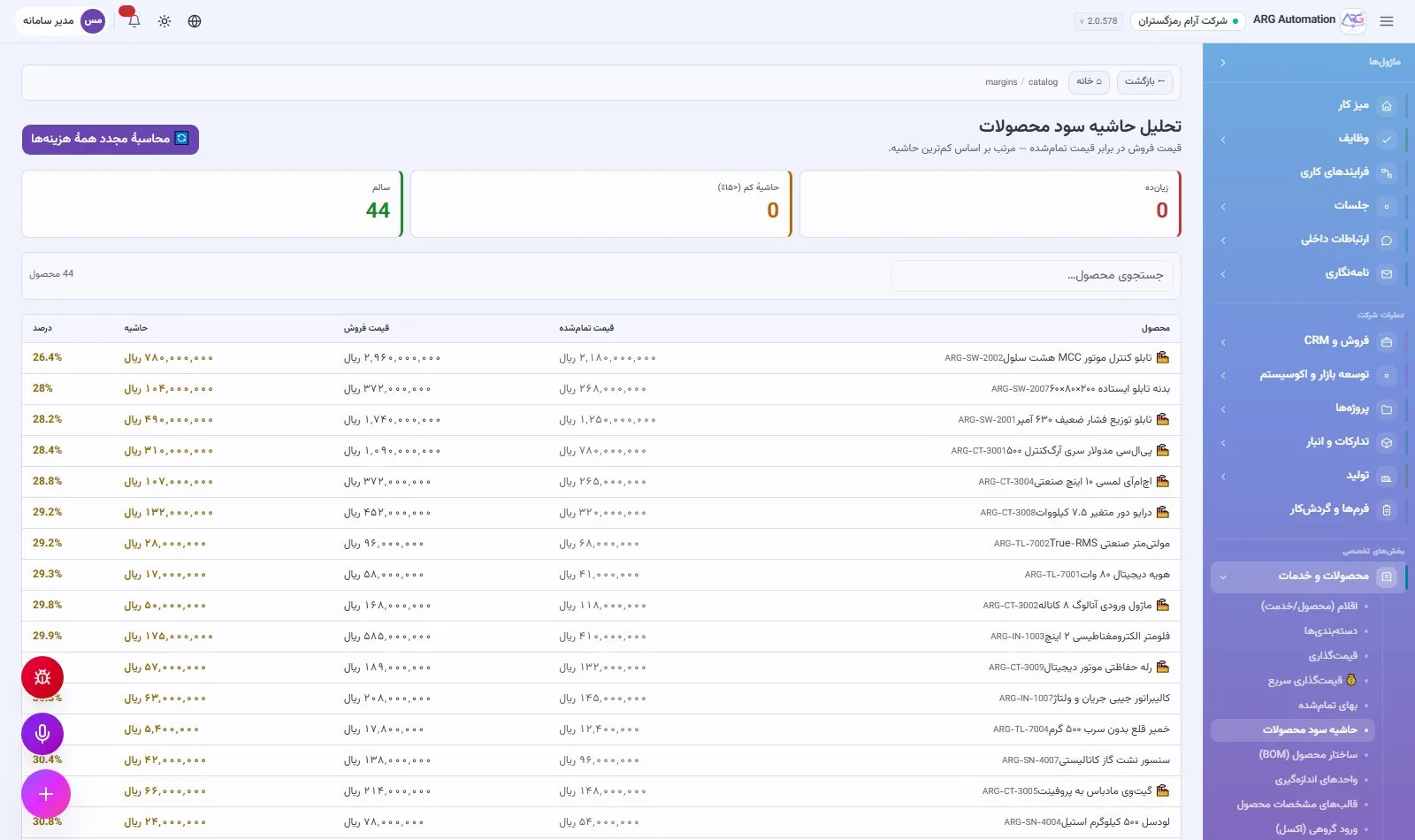
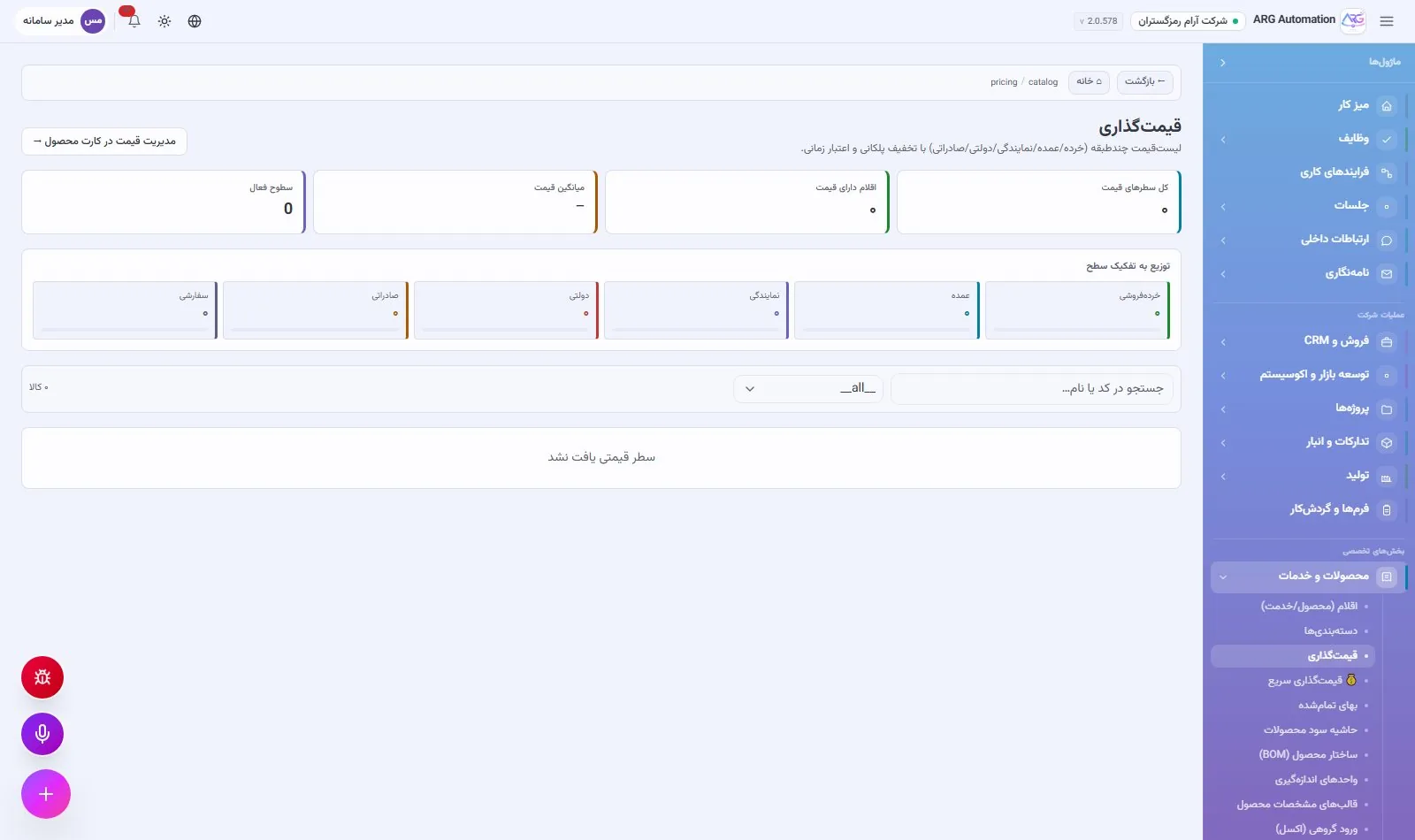
Each item’s base price is pre-filled automatically when a quote is built. Bulk pricing is done in a fast table, and items without a price are listed separately. The profit-margin report flags loss-making products and products with a margin below 15%. For companies that work with building materials, a book of daily market prices is also kept, separate from purchase cost and sales price.
Bulk import and export
The organisation’s existing catalogue is imported from an Excel or CSV file, with a preview of the rows before saving, and Excel and PDF exports are available at any time. Custom fields and technical-specification templates hold the specialist details of each item group.
See ARG ERP for your organisation
Contact us for a walkthrough with sample data from your industry; existing users sign in here.