Sales & CRM
From the first contact with a prospect to the last payment, every step of a sale is recorded in one continuous path without re-entering data.
Sales and customer relationship management
From the first contact with a prospect to the last rial received, every step of a sale is recorded in one continuous path. No opportunity gets lost in a messaging app, no quote is retyped, and the sales manager knows at any moment how much is at which stage of the pipeline.
The customer record
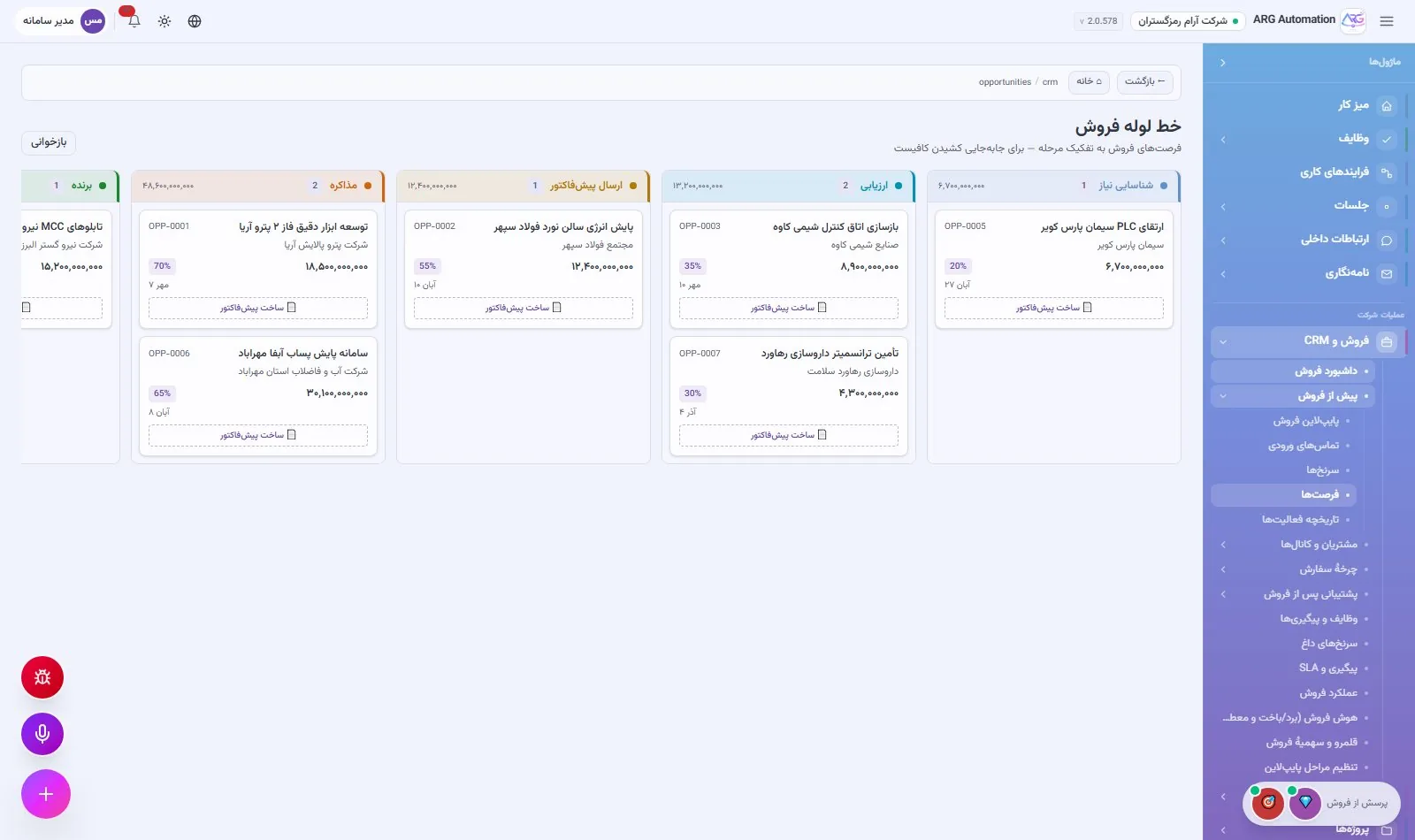
Each customer has one record: legal identity, national ID and economic code, contacts, industry, city and status. Under the same record you see the customer’s projects, quotes, orders, invoices, payments, meetings and all activity. The smart assistant also shows a health score and relationship risk for each customer.
Leads, opportunities and the sales pipeline
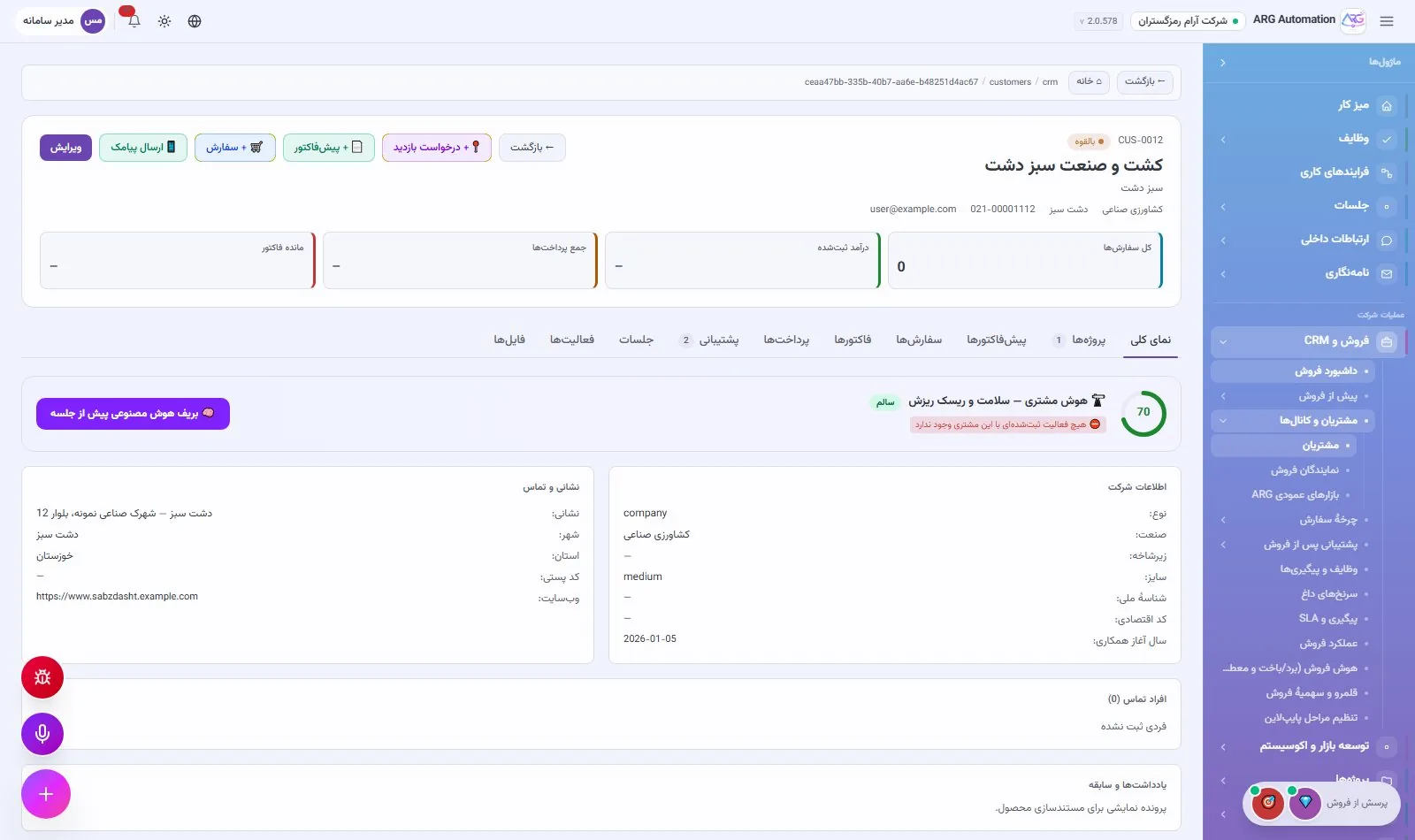
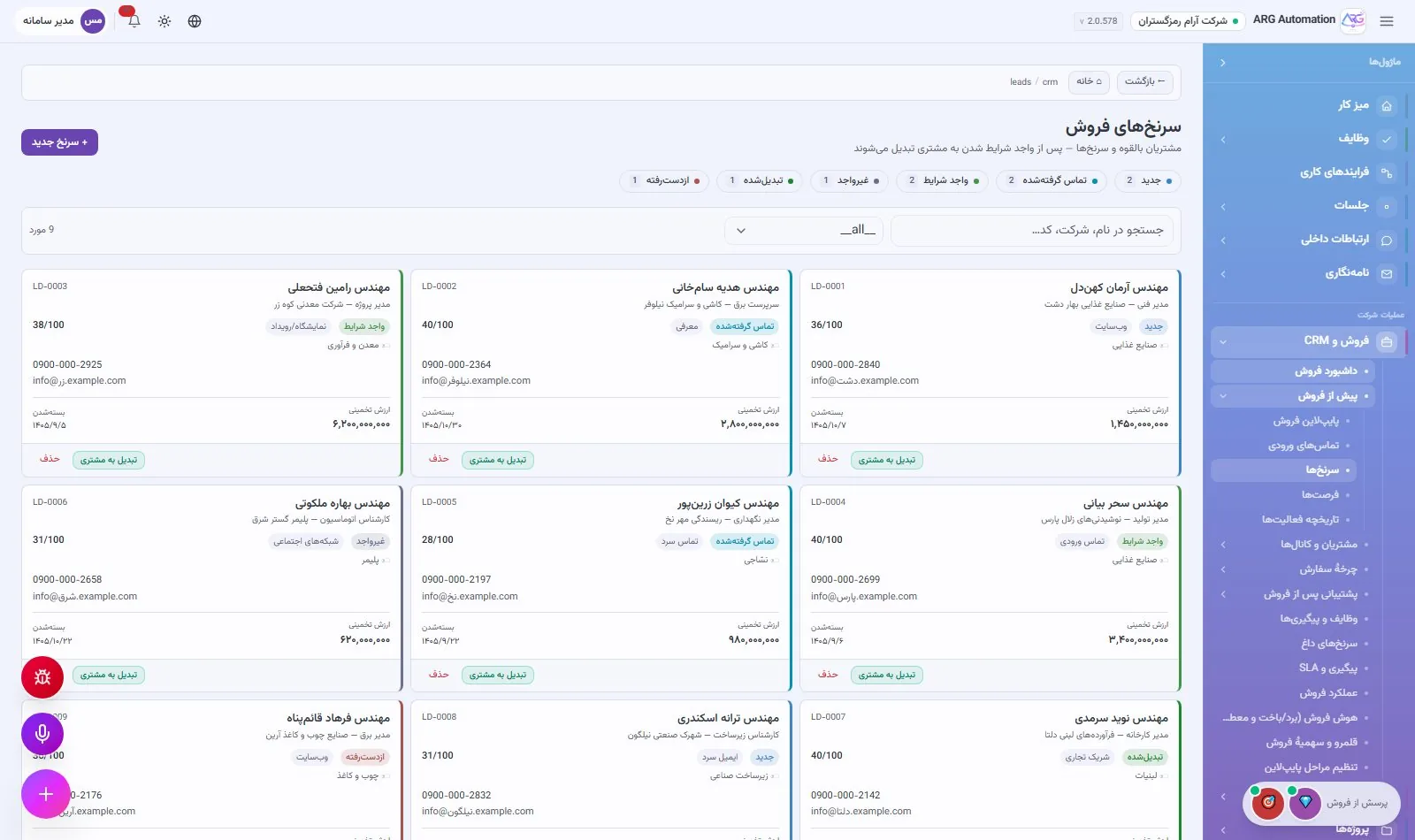
Leads are recorded with their source (exhibition, referral, call and so on) and scored. Converting a lead creates the customer, the contact and the sales opportunity in one step. Each opportunity moves through the pipeline stage by stage, and the full history of its stage changes is kept.
From quote to invoice
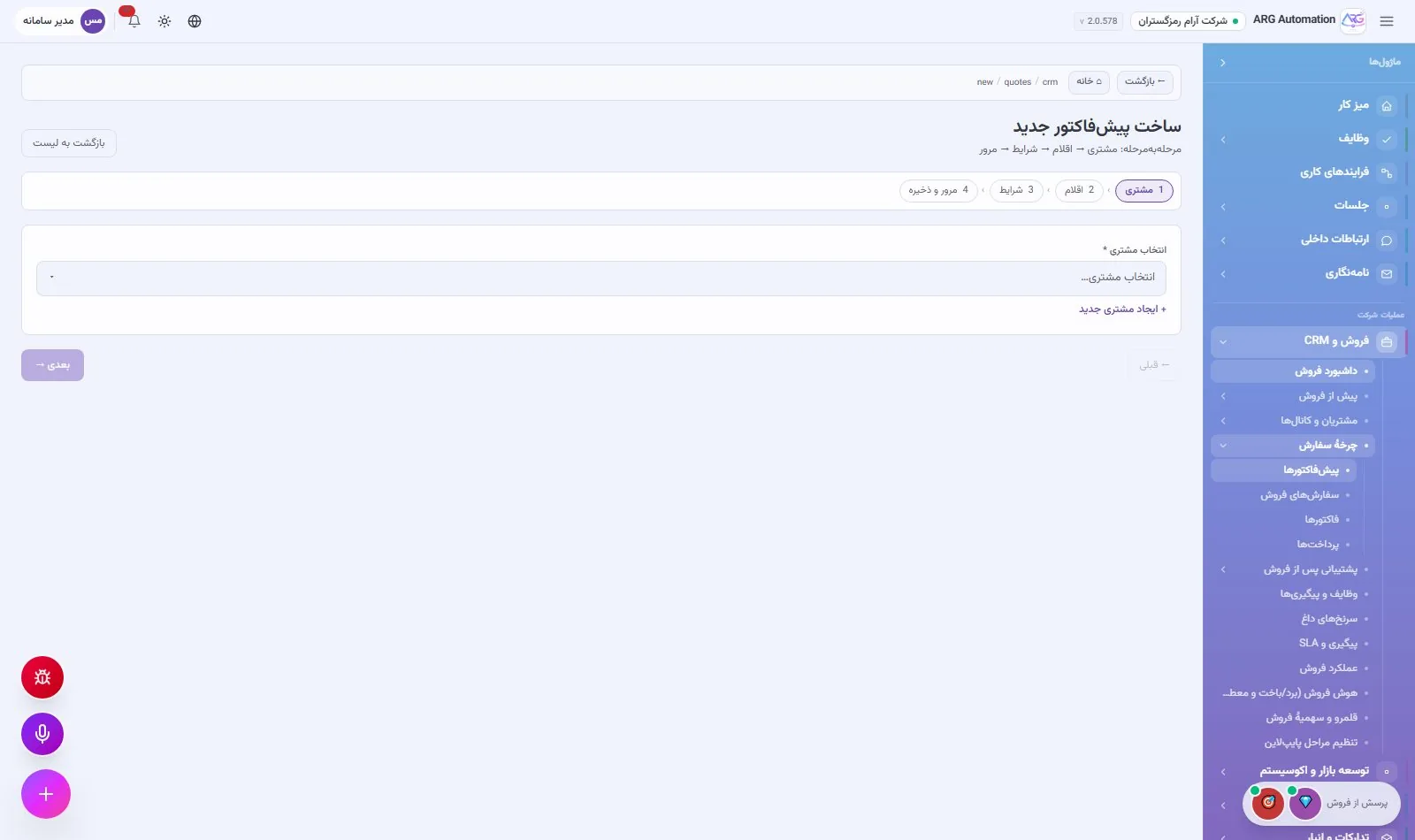
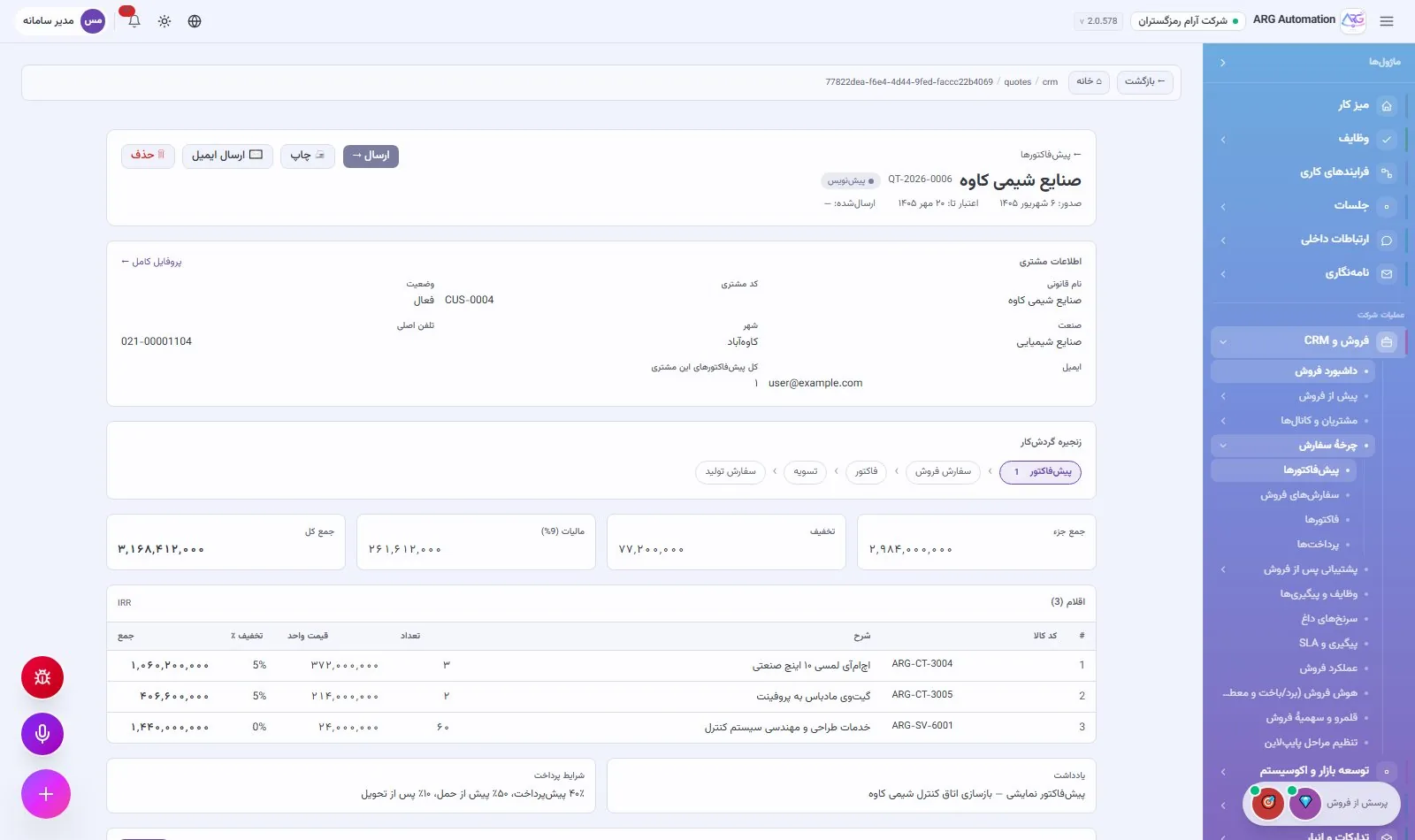
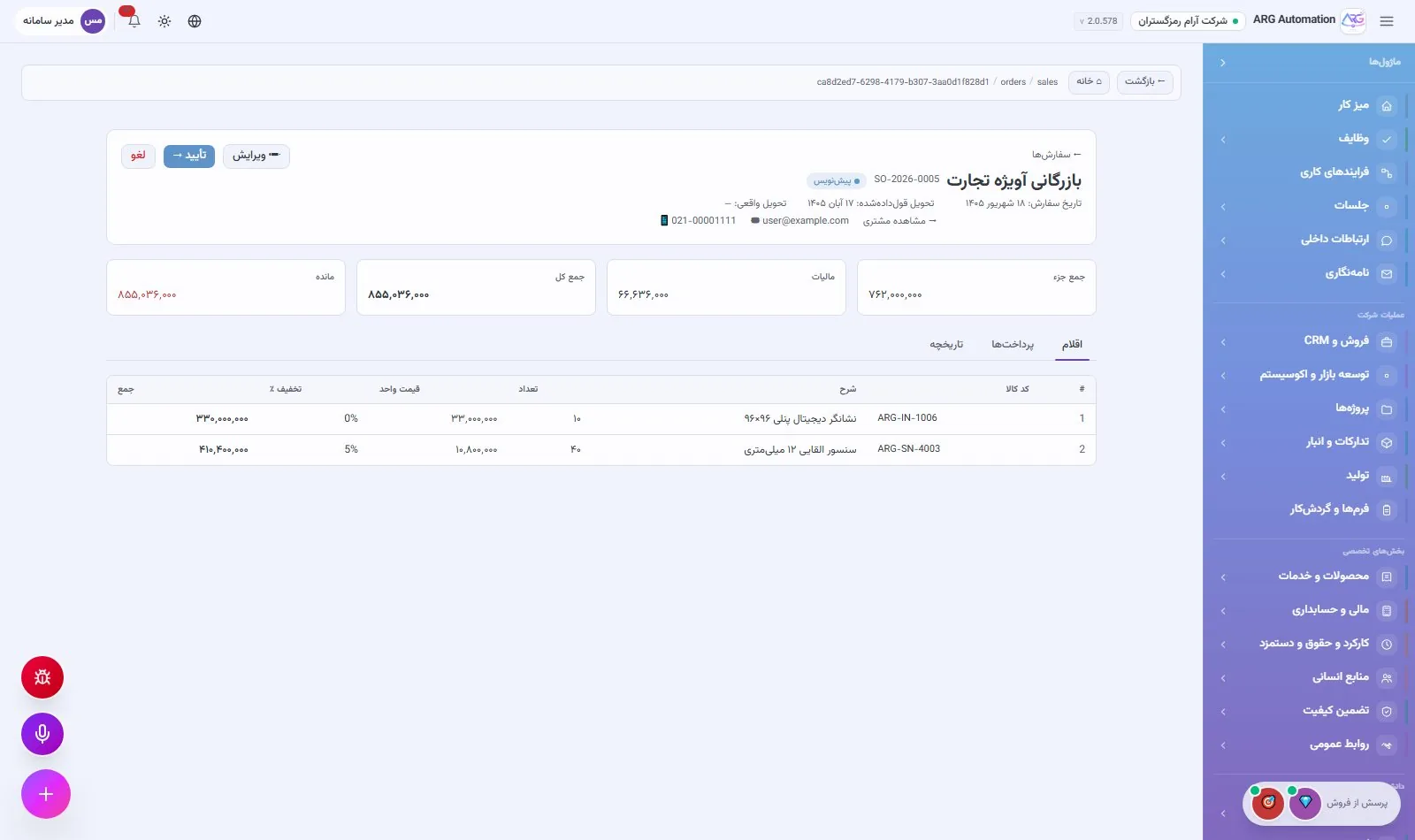
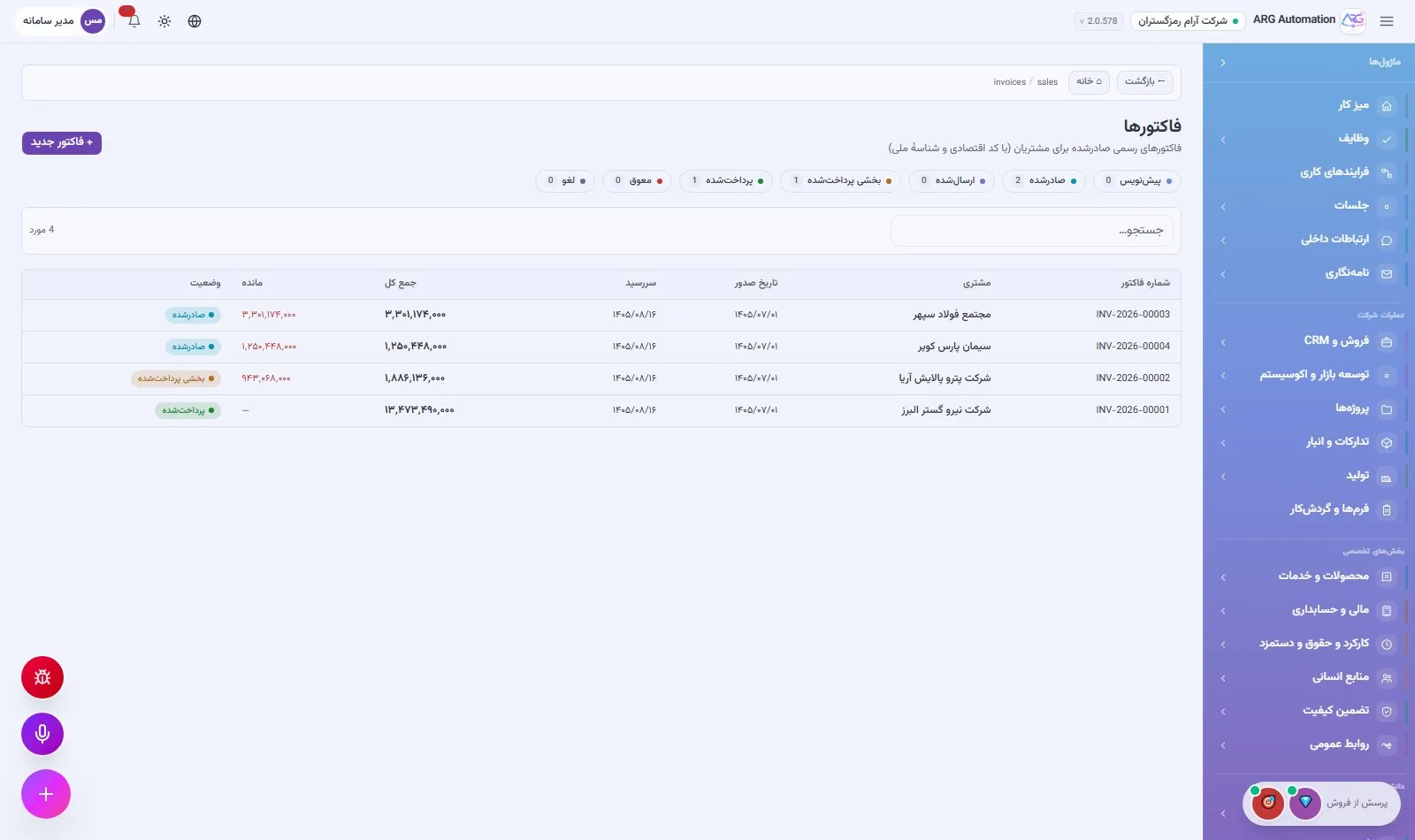
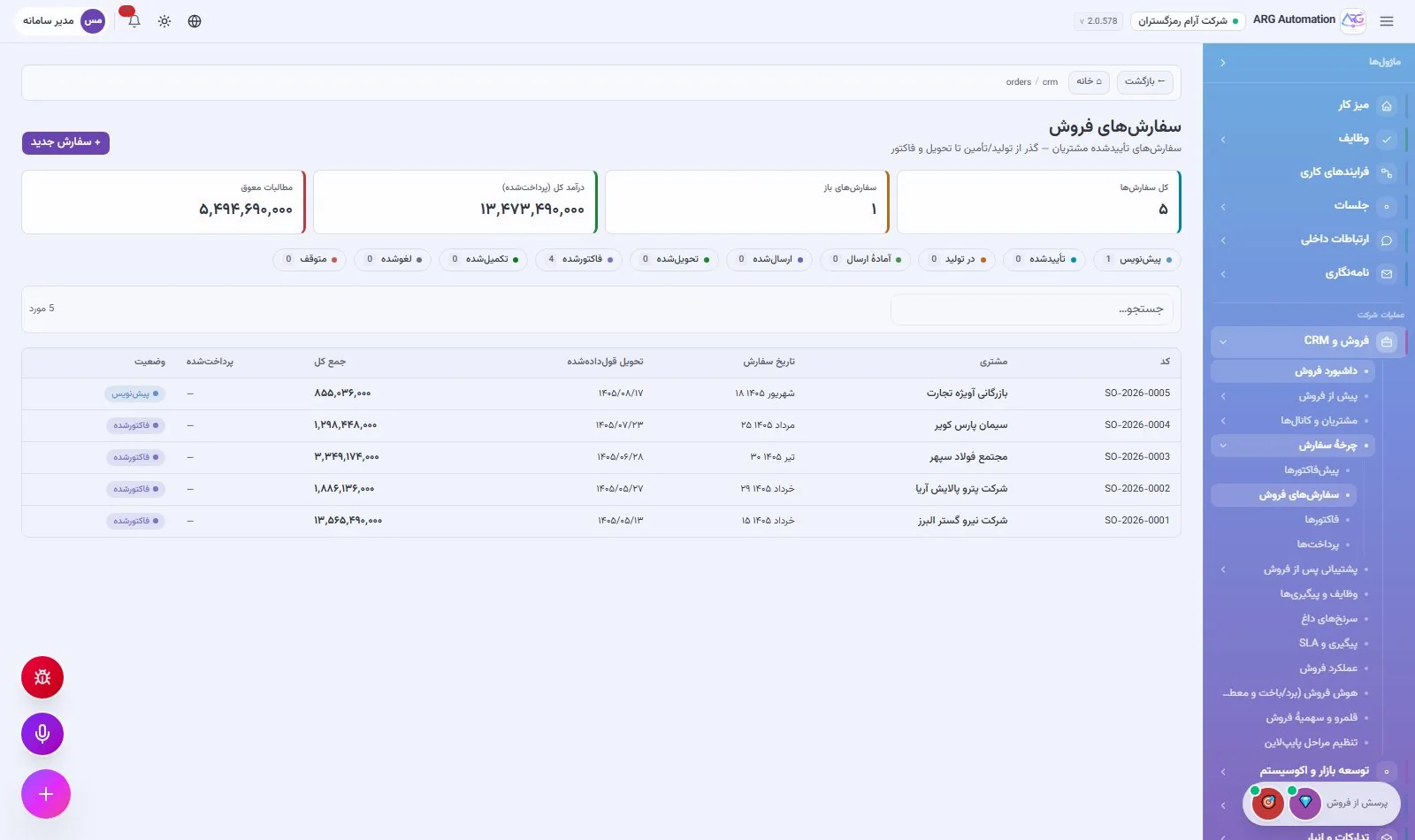
A quote is built in a multi-step wizard: choose the customer, add line items from the catalogue at their base price, line and overall discounts, and value-added tax. Its PDF is ready and can be emailed from the same page. When the customer accepts, the quote becomes a sales order with one button, and the invoice is issued from that order’s un-invoiced items. Every document has its own readable sequential number.
Payments and receivables
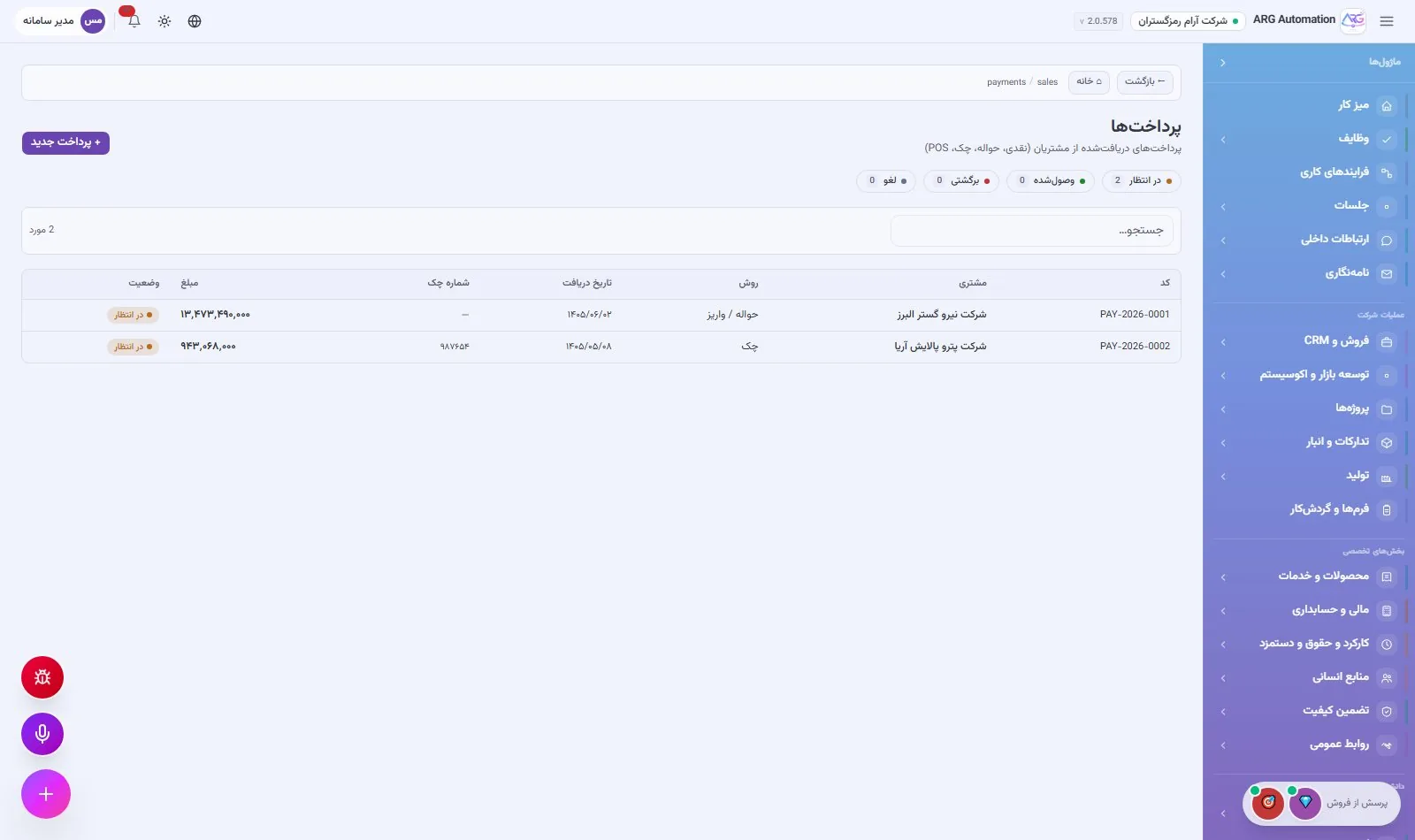
Payments are recorded with eight methods, including bank transfer and cheque. With each payment, the invoice balance and its status (issued, partly paid, settled) update automatically. The finance manager sees total and overdue receivables on the finance dashboard.
After-sales service
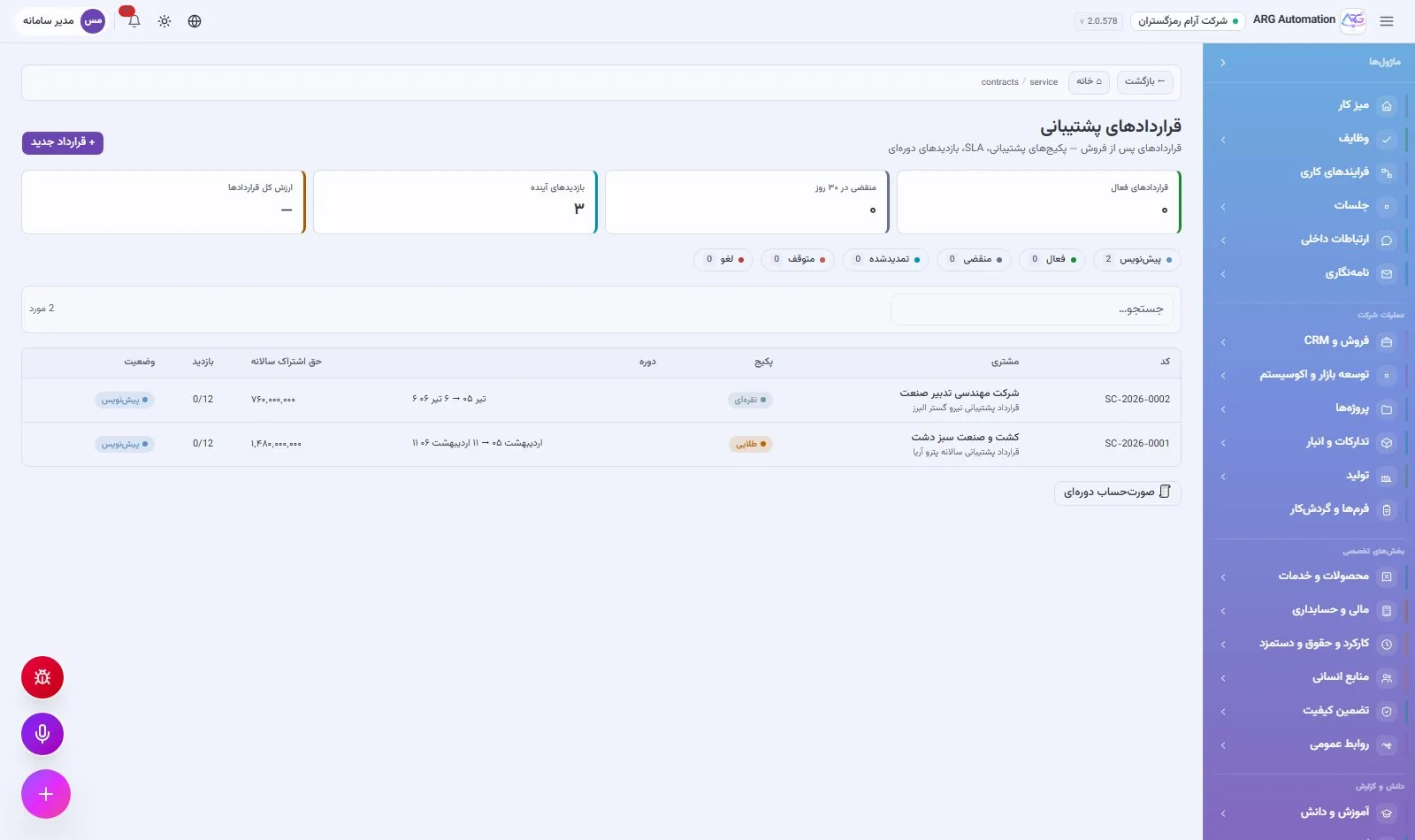
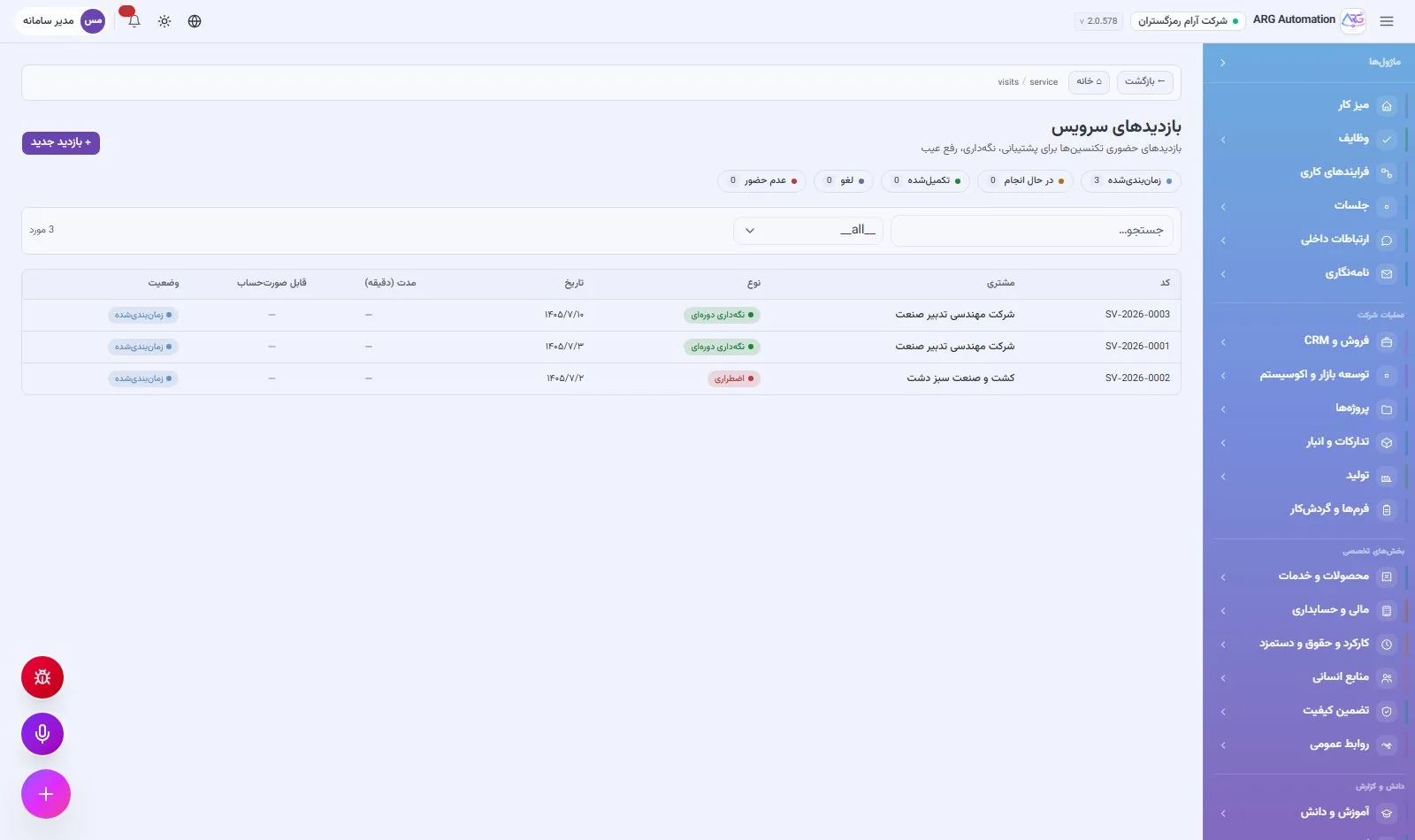
Support contracts are recorded with a service level, checklist and renewal reminder. Service visits, whether scheduled, corrective or emergency, are recorded with the dispatched team, parts used and customer satisfaction, and the responsible technicians are notified automatically.
For the sales manager
- A live pipeline with the amount at each stage
- Sales indicators in the executive cockpit
- An opportunity report from one question to the virtual specialist
For the sales specialist
- One-step lead conversion
- Quotes with no retyping
- Follow-up reminders and SMS straight from the customer record
See ARG ERP for your organisation
Contact us for a walkthrough with sample data from your industry; existing users sign in here.