Correspondence, meetings, forms & knowledge
Complete office automation with a letter register and referrals, meetings whose decisions become tasks, paper-free forms and approvals, and the company knowledge base.
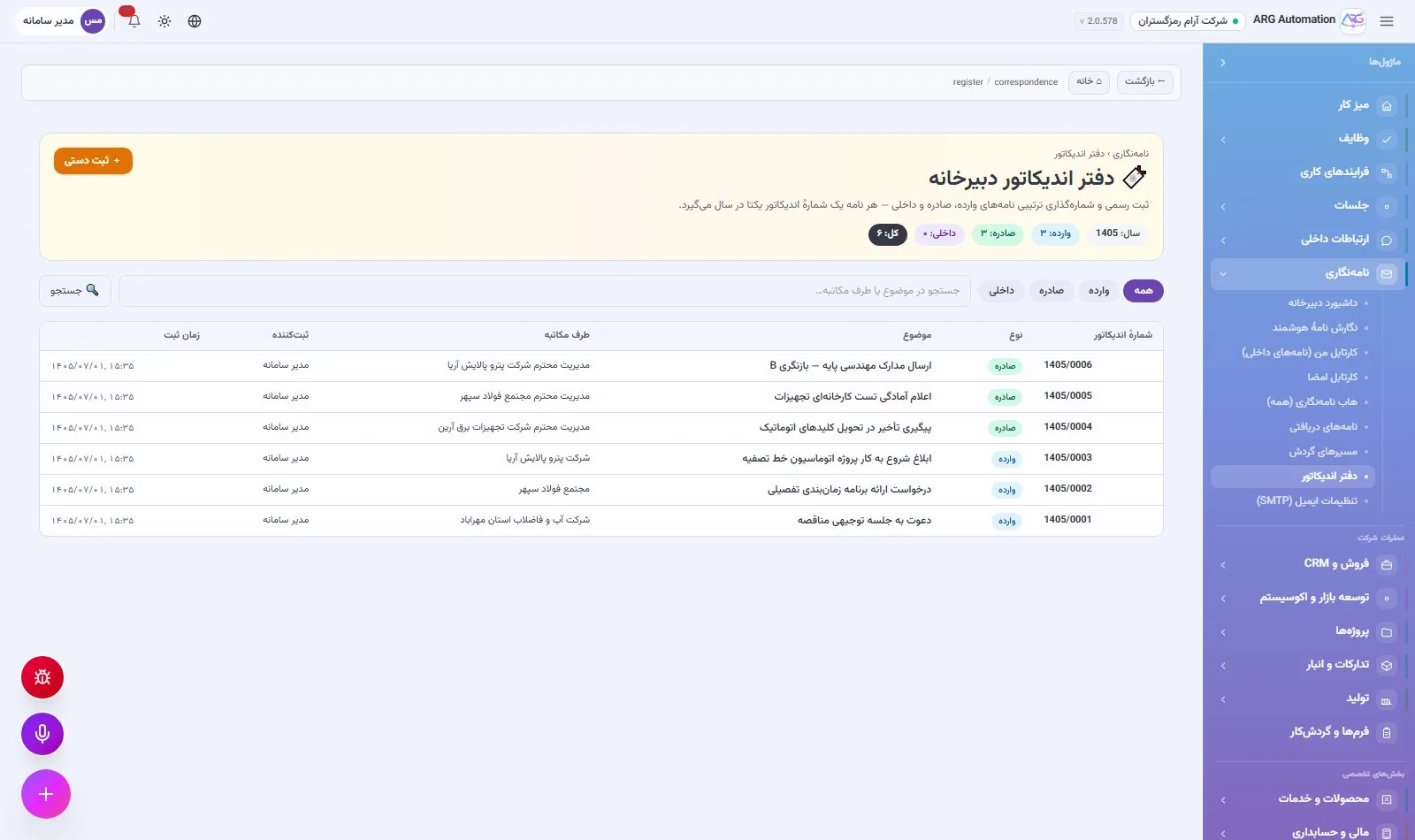
Correspondence office and letters
Complete office automation, with the same logic Iranian correspondence offices have worked with for years: incoming, outgoing and internal letters, a letter register with a unique yearly number, a personal inbox, referrals with instructions and deadlines, and a full trail for every letter. No separate office-automation software is needed.
Incoming, outgoing and internal letters
Each letter lands in its recipients’ inboxes and its status is tracked separately for each recipient. A letter is referred with an instruction, an action type and a deadline. For recurring routes, such as approving engineering documents, a predefined routing path is created so the letter moves step by step between the people responsible.
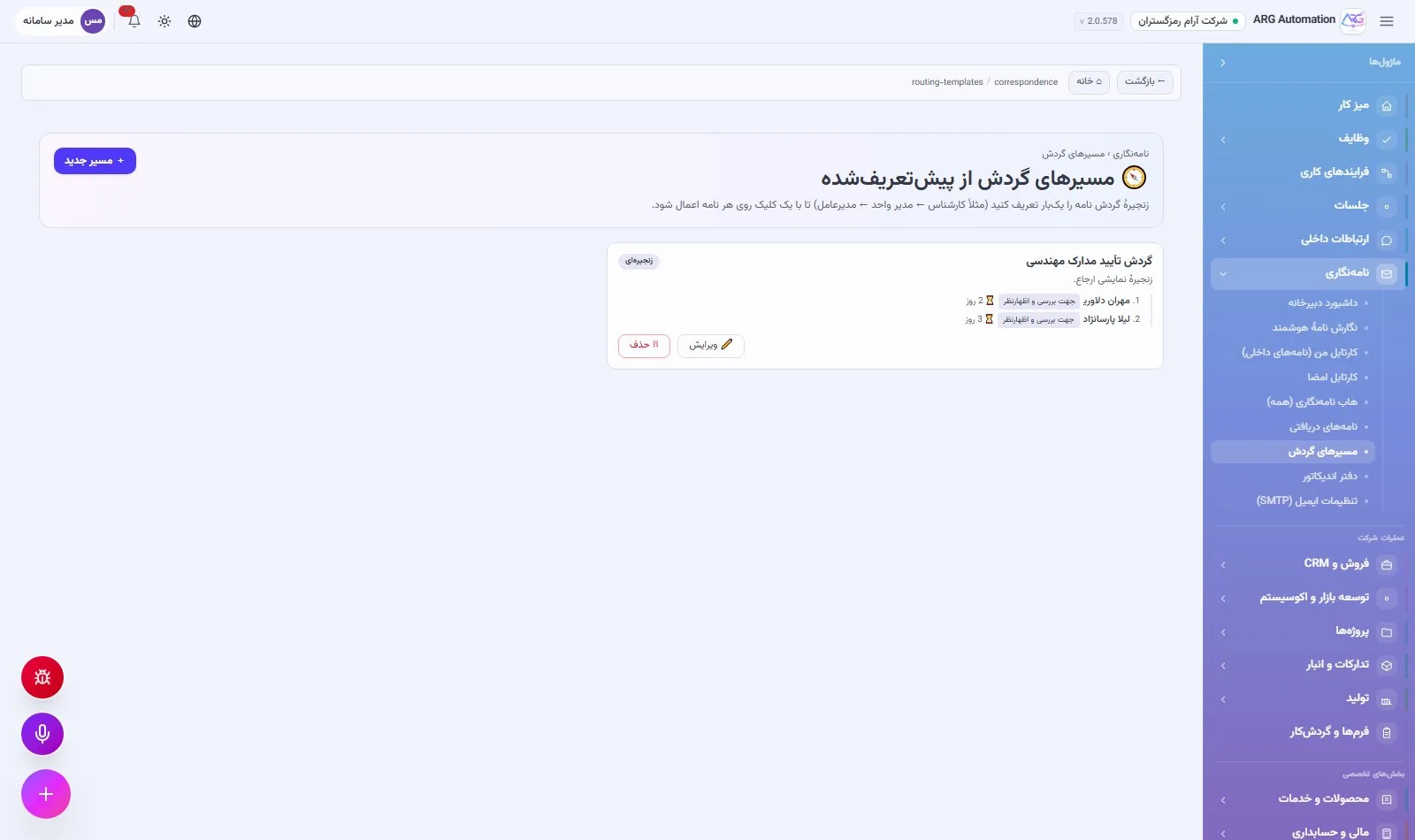
The letter register
All official letters are recorded in the letter register with a number unique within the Persian year. Numbering is safe against simultaneous registration, so two letters never get the same number.
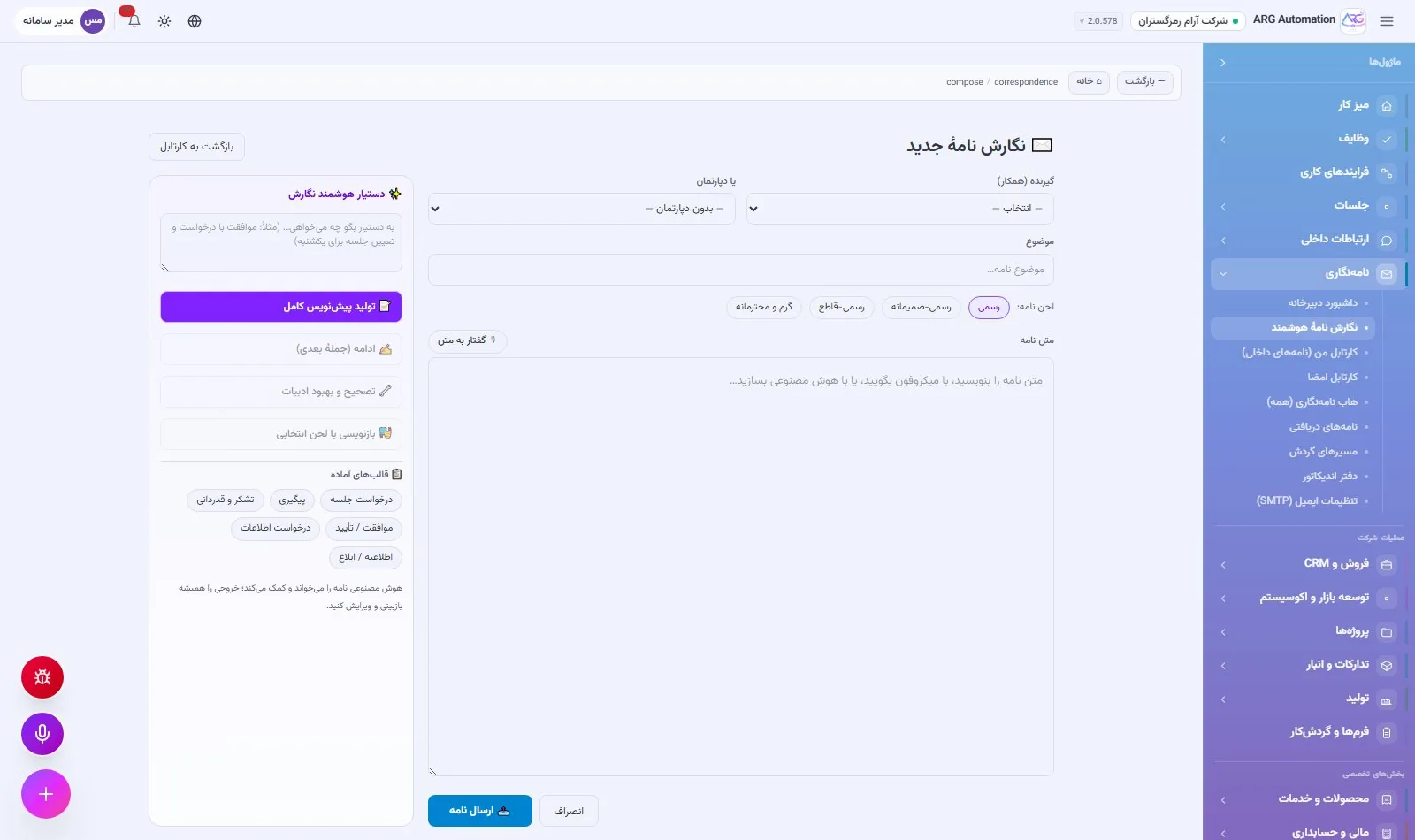
Writing letters
Thirty-seven ready letter templates, a smart writing assistant and voice dictation make writing a letter quick. The final letter is rendered to PDF on the organisation’s letterhead, sent by email, and printed letters can be verified.
Follow-up without forgetting
Reminders and escalation
The action deadline of each referral is tracked, and when it is late a reminder and automatic escalation are sent.
A complete trail
Twelve event types for each letter, from registration and referral to viewing and action, with a map of the letter’s route.
Meetings and internal communication
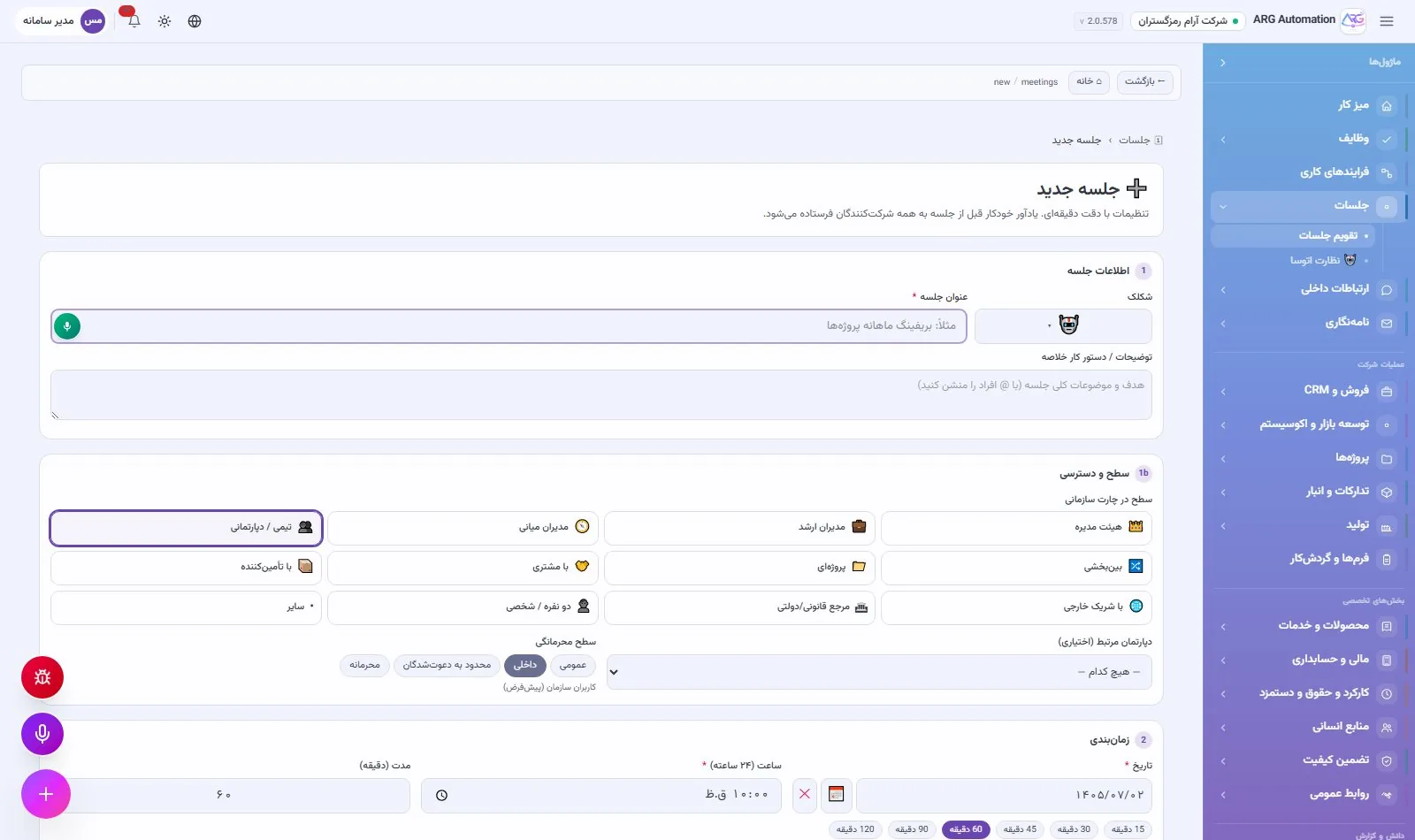
In ARG ERP a meeting is a complete document, not just a calendar event: an agenda, attendees, minutes and decisions that turn automatically into trackable tasks. Alongside it, team chat, company announcements and shared boards bring everyday communication back from public messaging apps into the organisation.
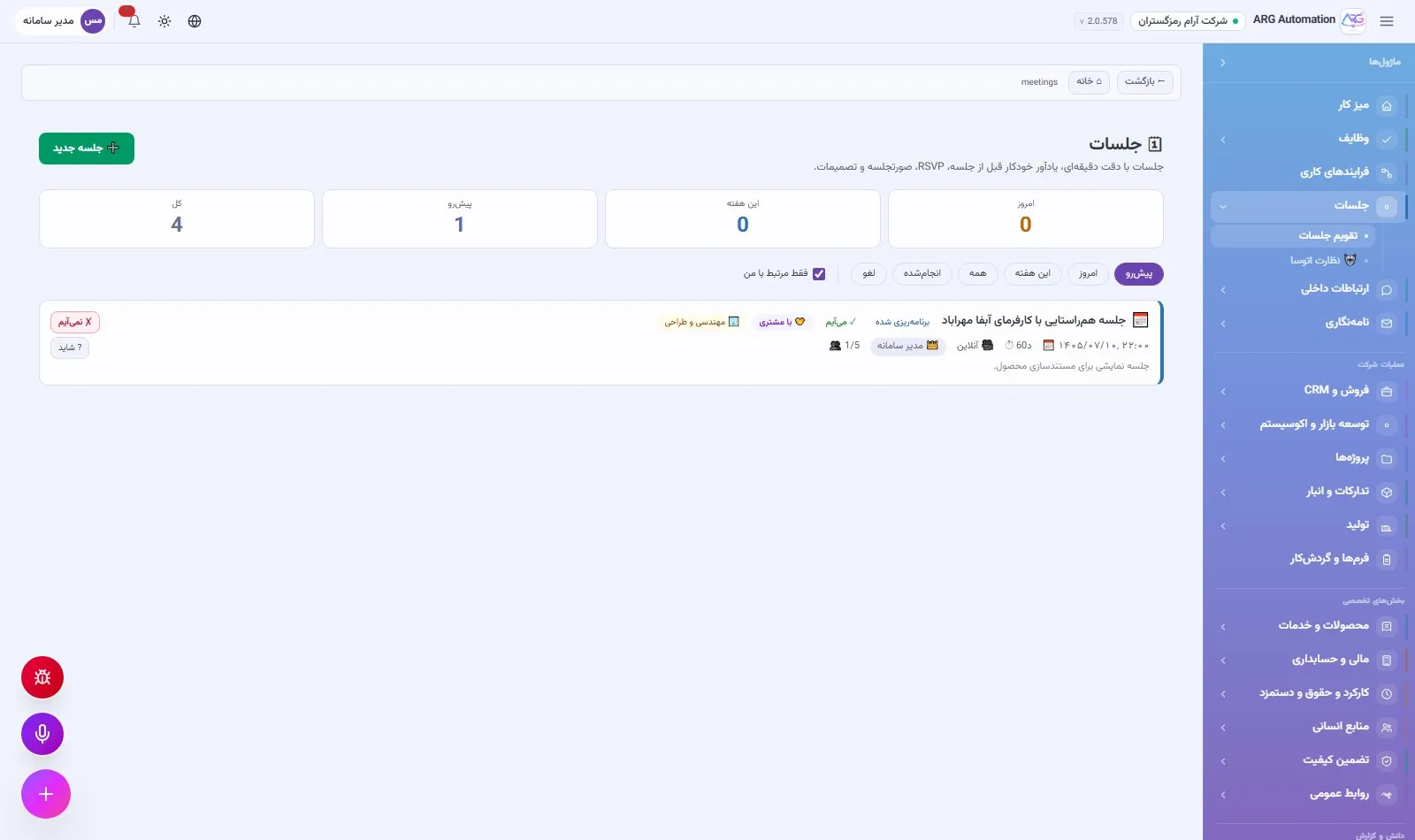
The meeting cycle
An invitation is sent with a timed agenda, an organisational level and a confidentiality grade. Internal and external participants respond, and reminders are sent before the meeting. If the meeting time changes, the reminders update automatically. Pre- and post-meeting checklists, minutes with structured decisions, and turning each decision into a task connect the meeting to results. After a kick-off meeting for a new engagement, the meeting becomes a project with one click.
Team chat
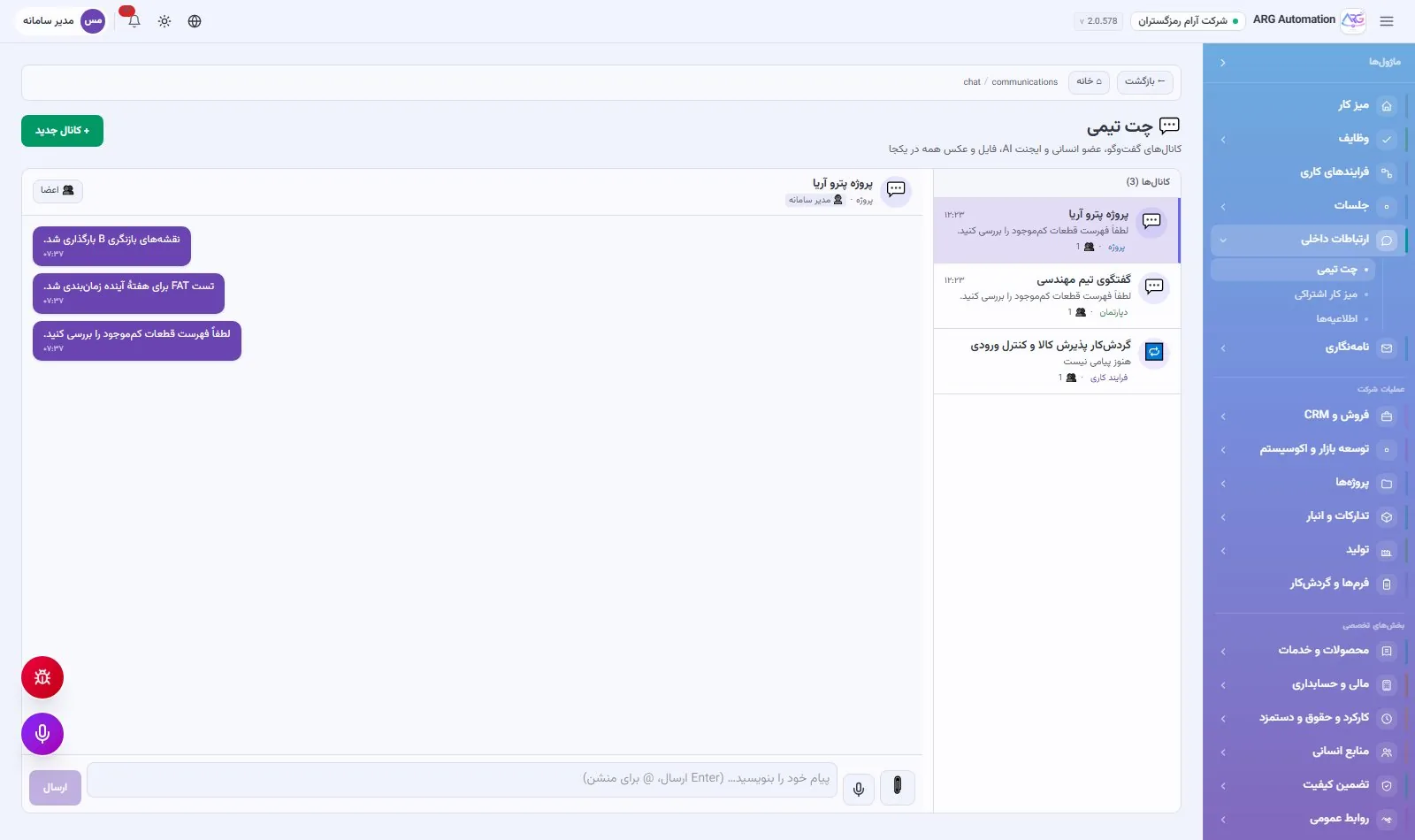
Chat channels for projects and teams, with attachments, reactions, mentions and read status. Virtual AI employees can also be channel members and take part in the conversation.
Announcements and shared boards
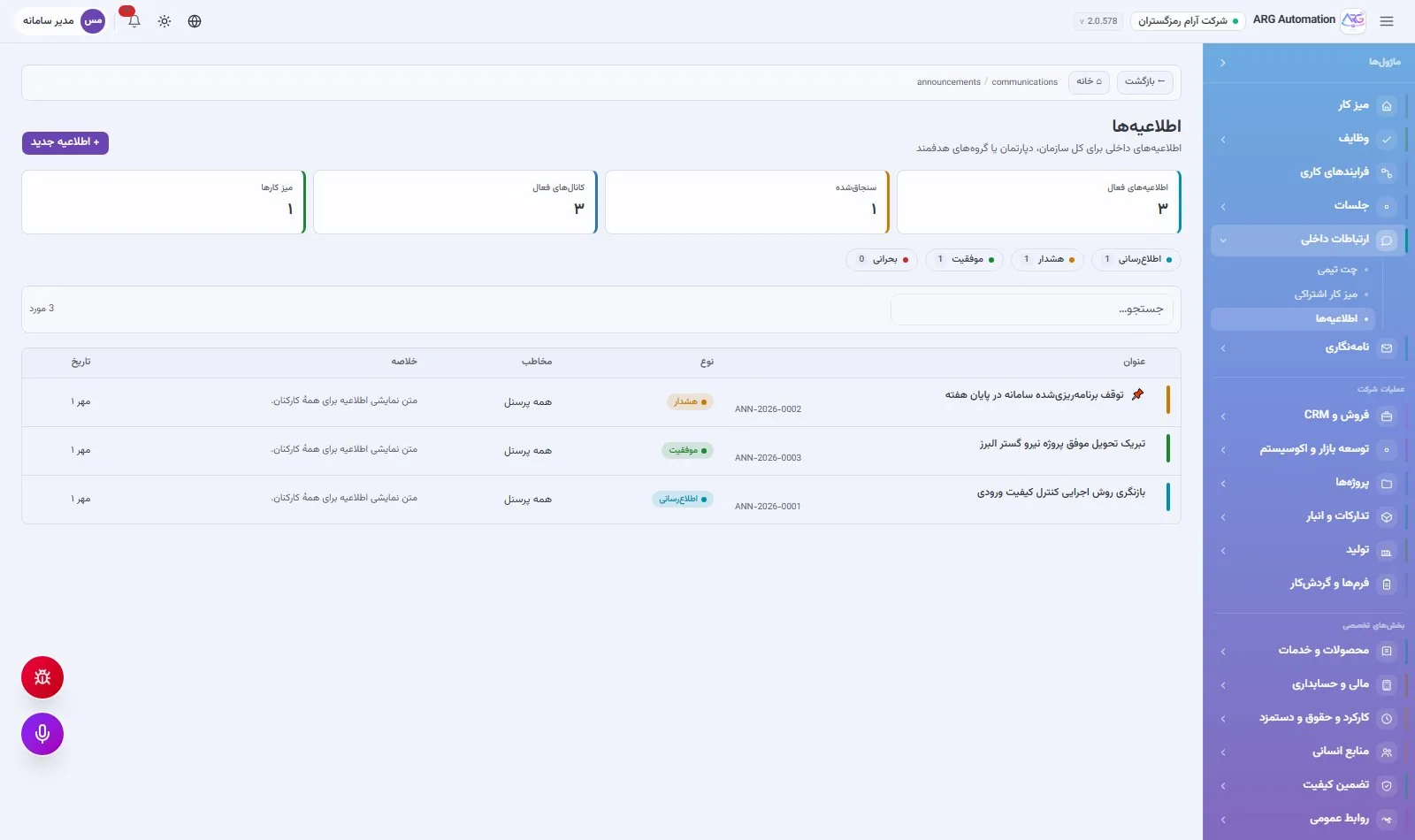
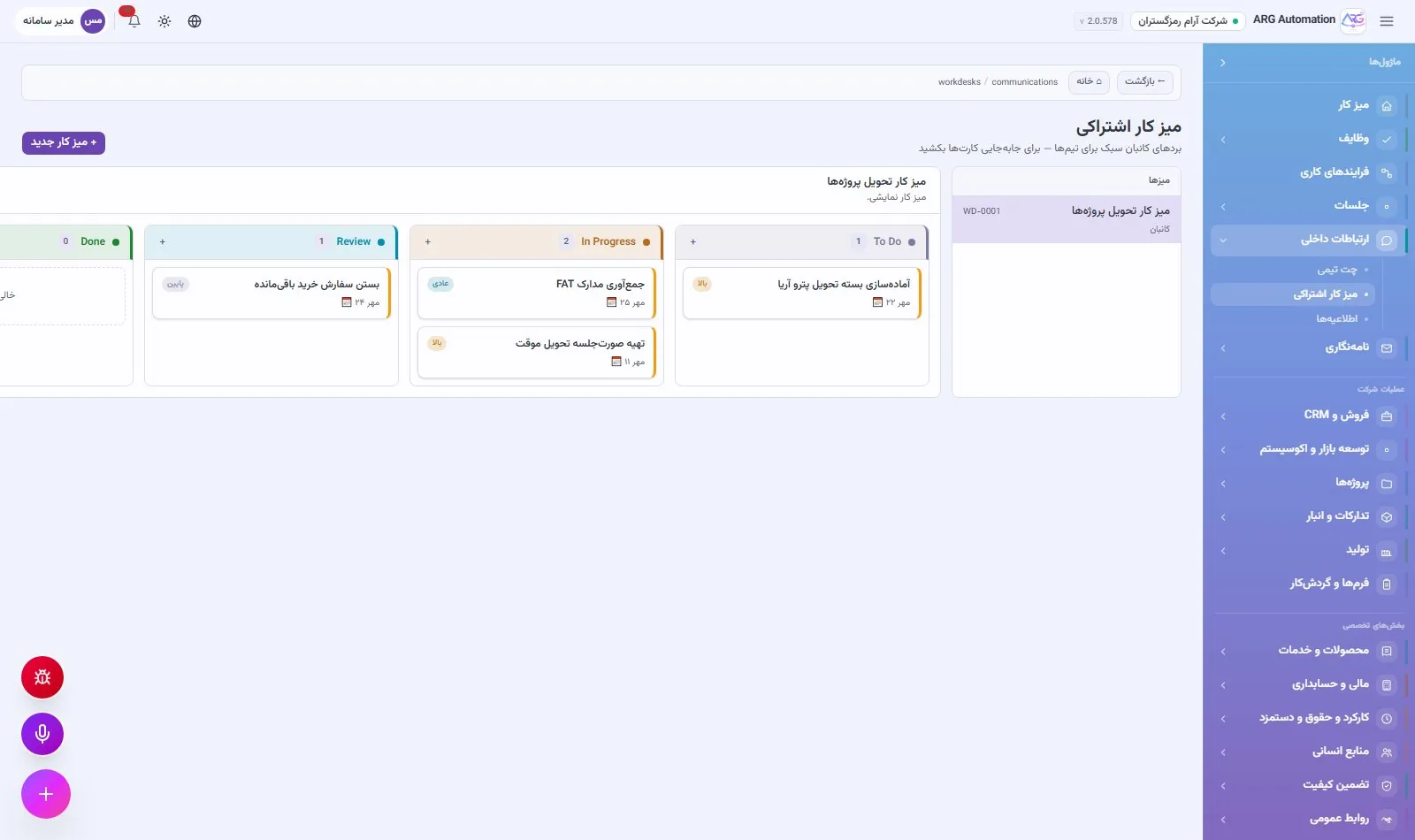
Company announcements are published to a targeted audience, with pinning, an expiry date and a read counter. The shared board is a kanban with configurable columns and cards with checklists and comments, for team work that does not need a formal process.
Notifications and reminders
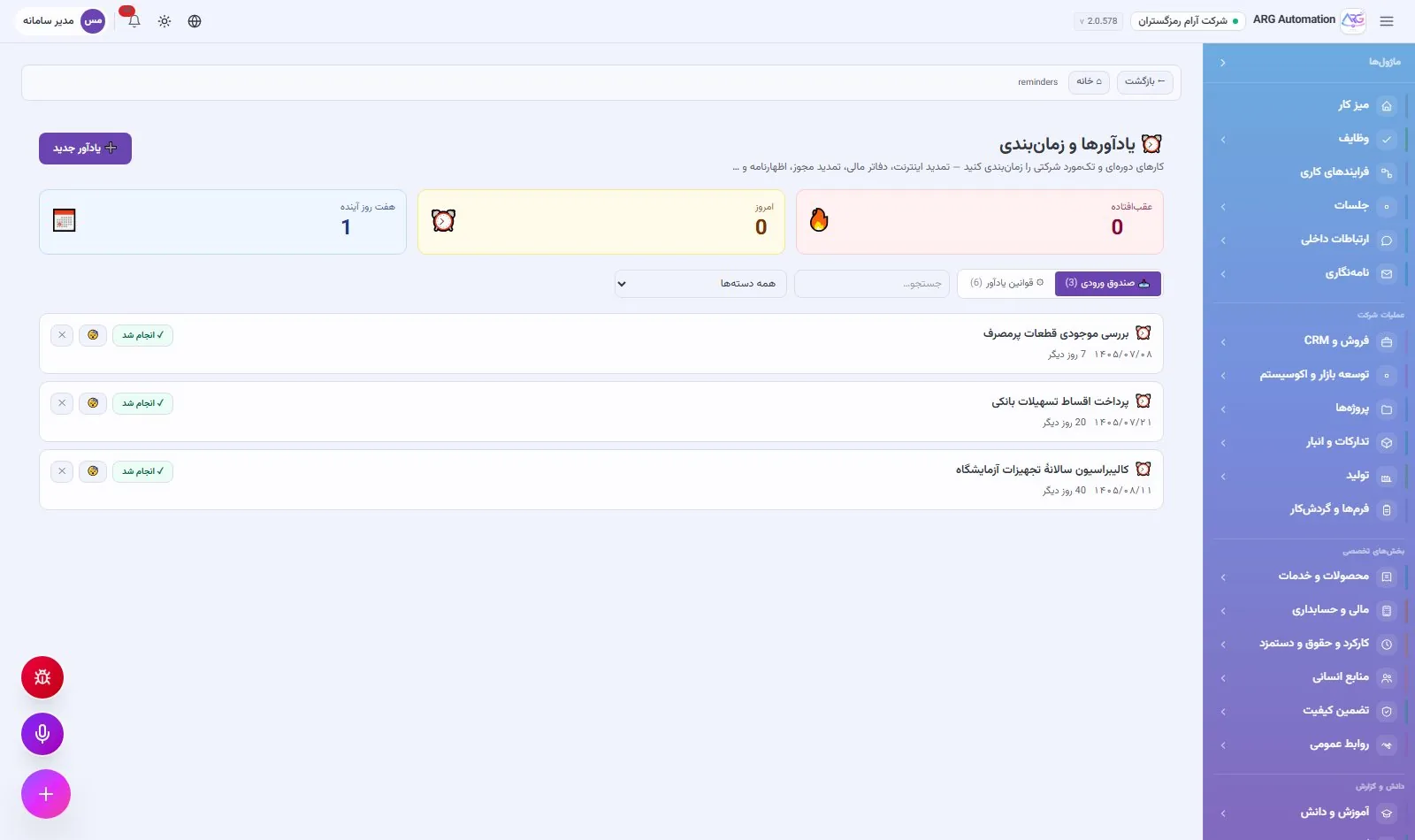
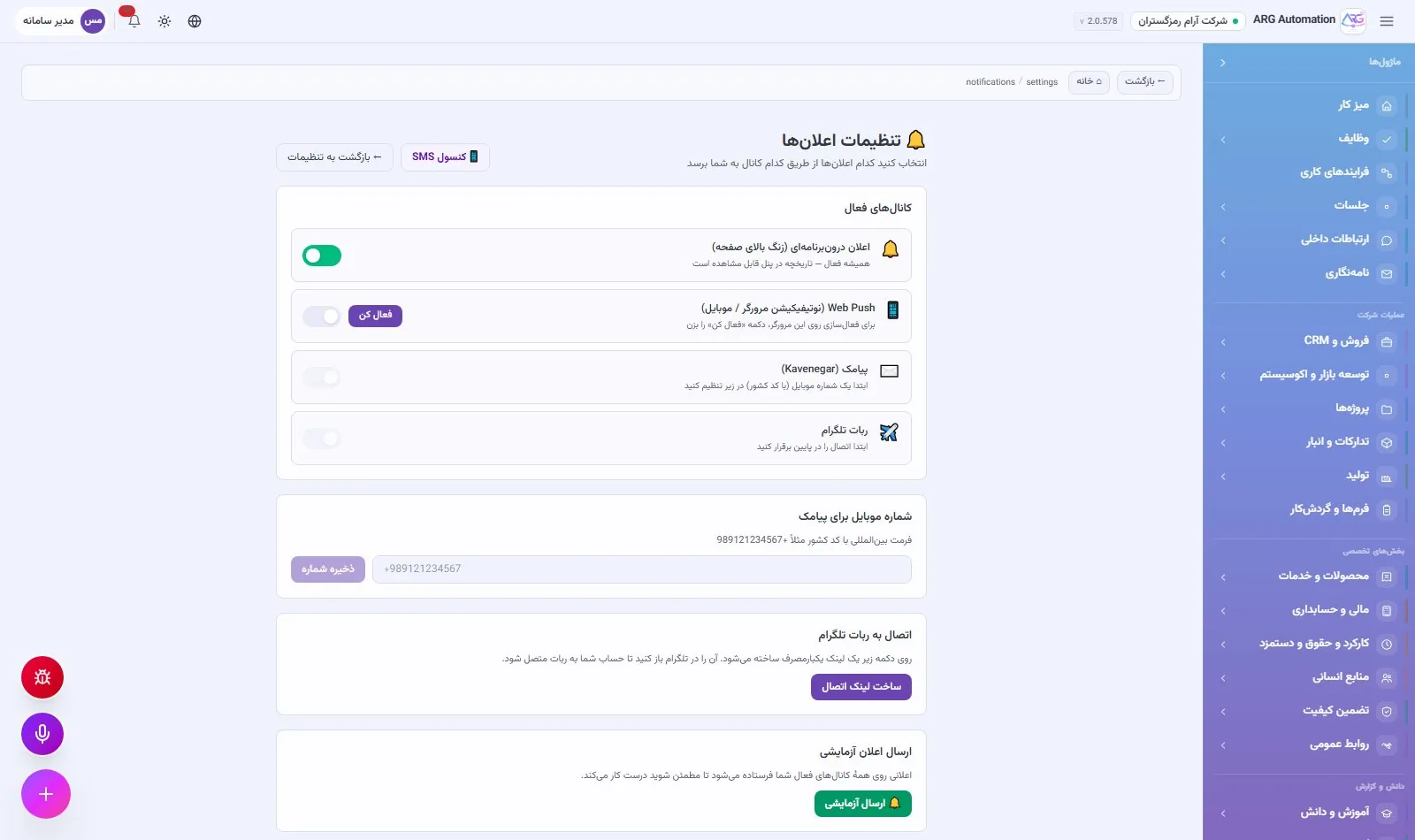
Every important event is notified to its owner: in the system with a direct link, in the browser and on mobile, by SMS through an Iranian SMS gateway and via a Telegram bot. SMS messages respect quiet hours and their organisation templates are set in the SMS management console. The reminder engine on the Persian calendar sends recurring reminders, such as insurance renewals, instalments or calibration, with advance notice.
Forms, approvals and business processes
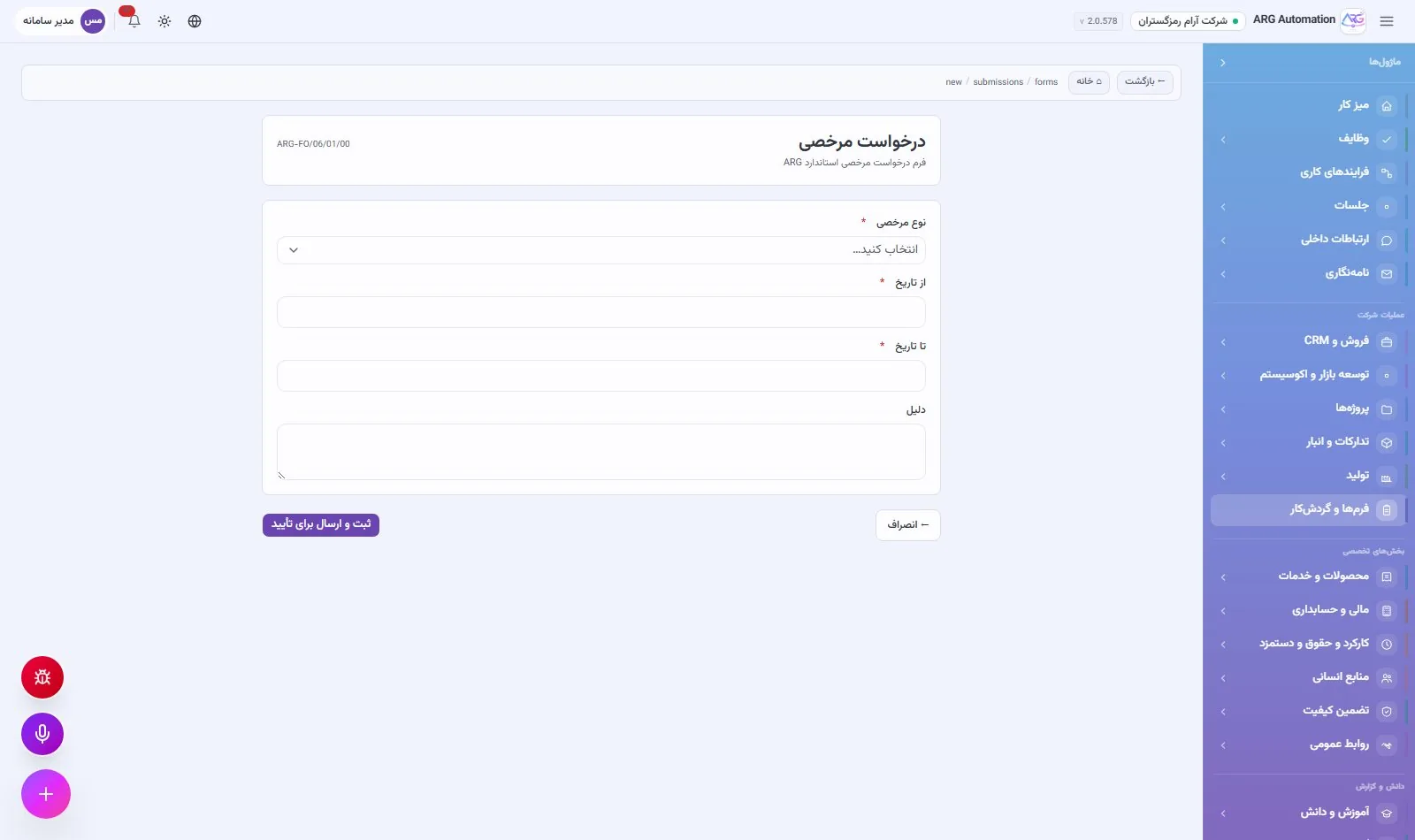
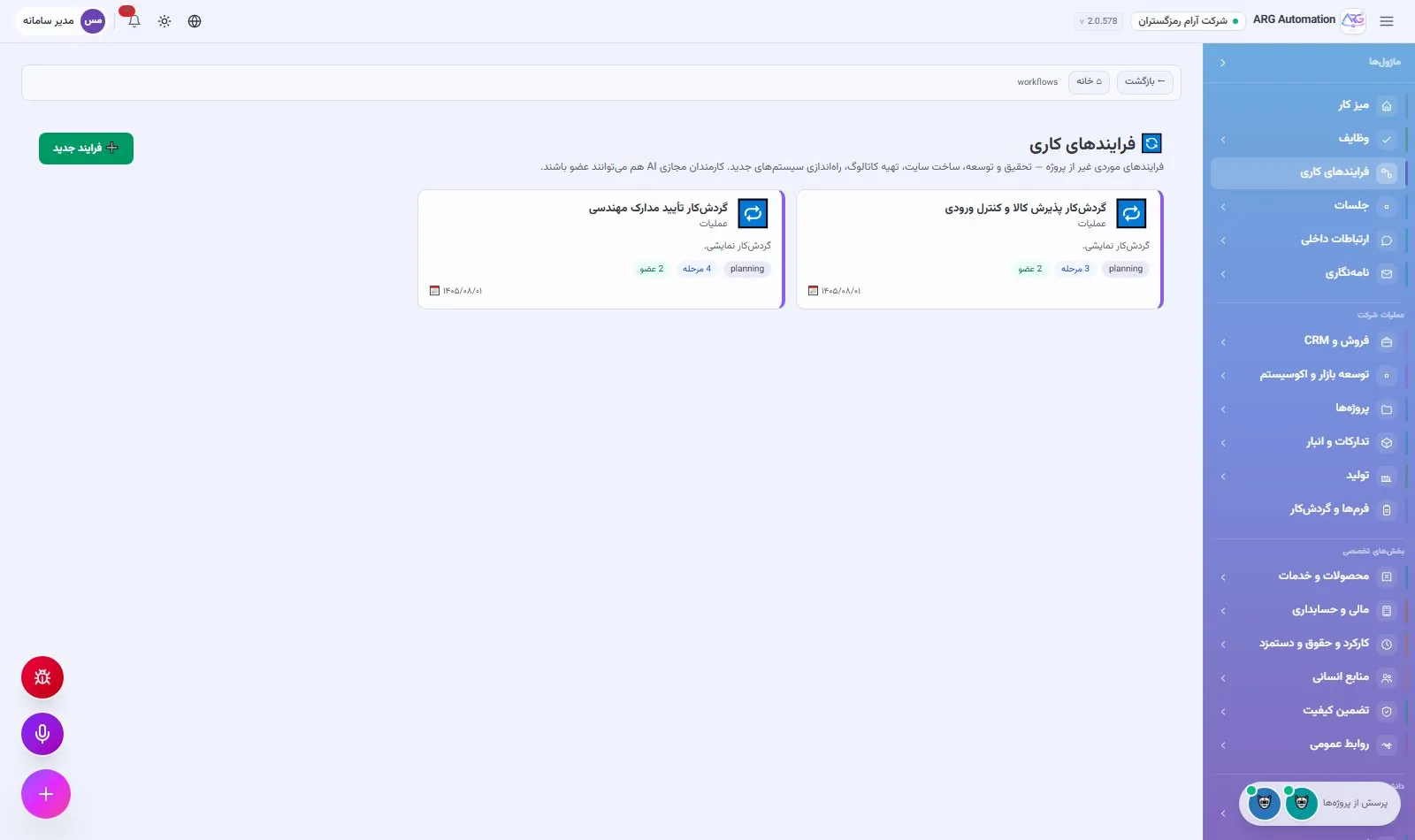
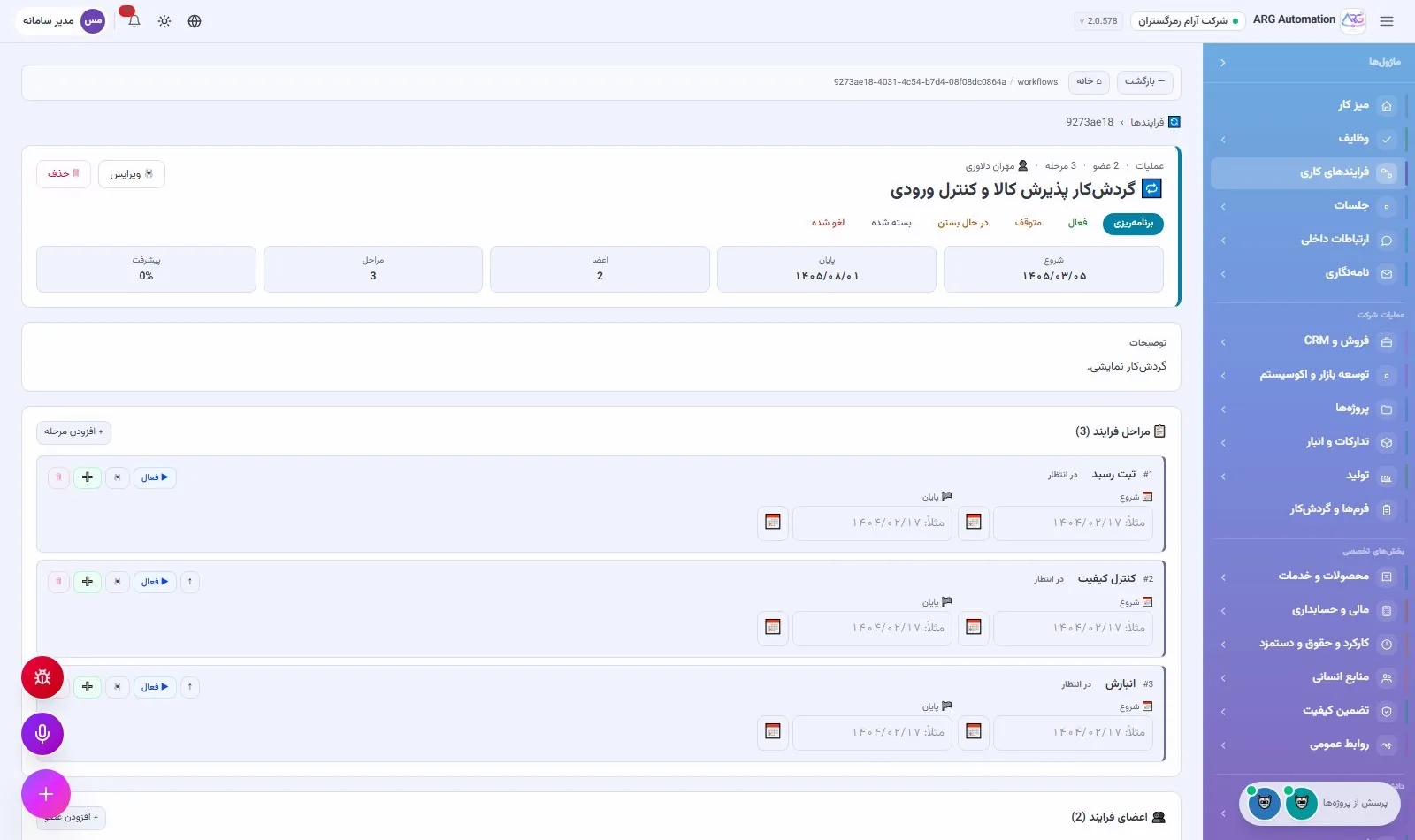
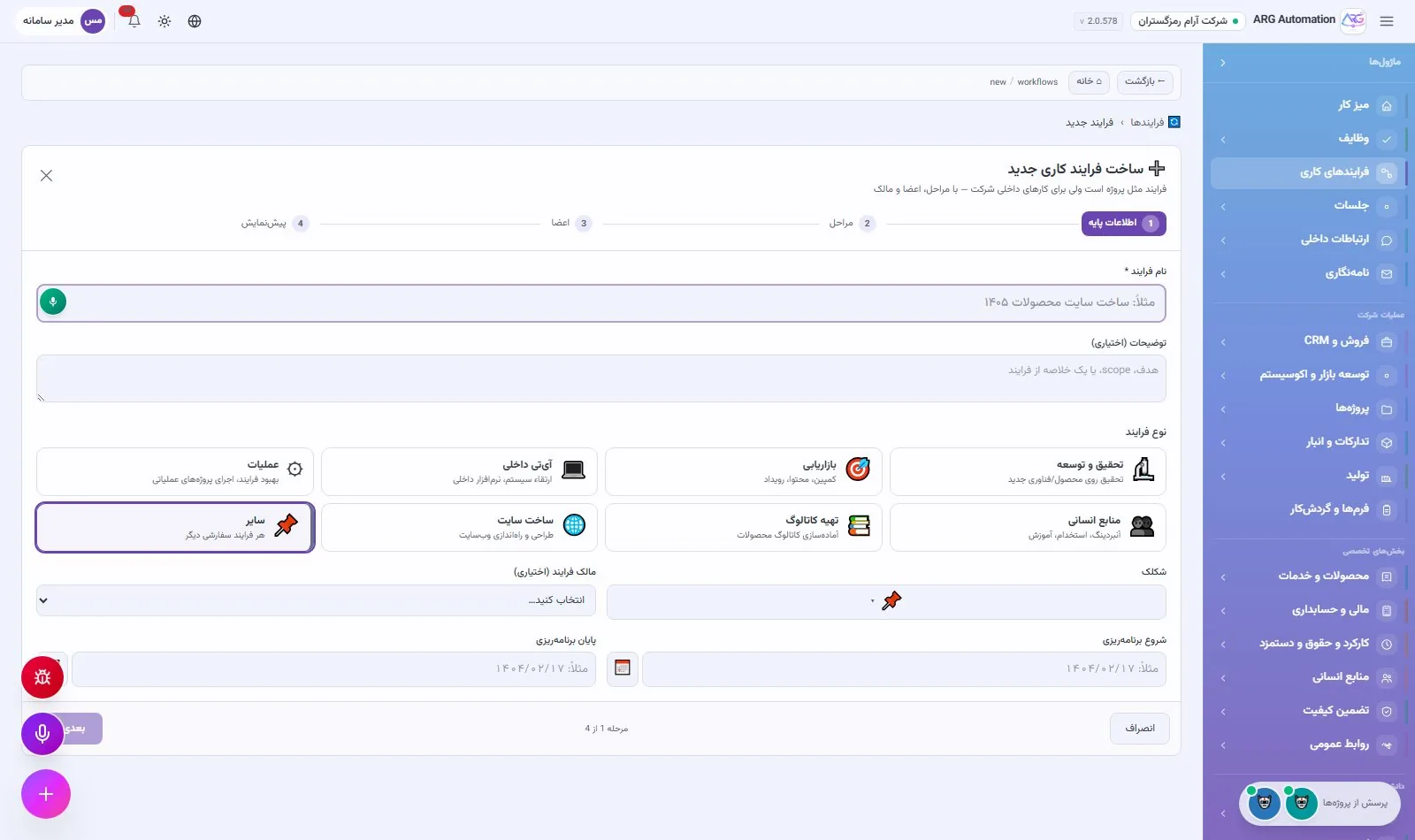
The organisation’s everyday requests, from purchase and leave requests to quality forms, move without paper through a signature chain. For work with more steps, such as goods inspection or approving engineering documents, a business process is defined with stages, owners and a team, and the tasks of each stage are created automatically.
Form builder and approval chain
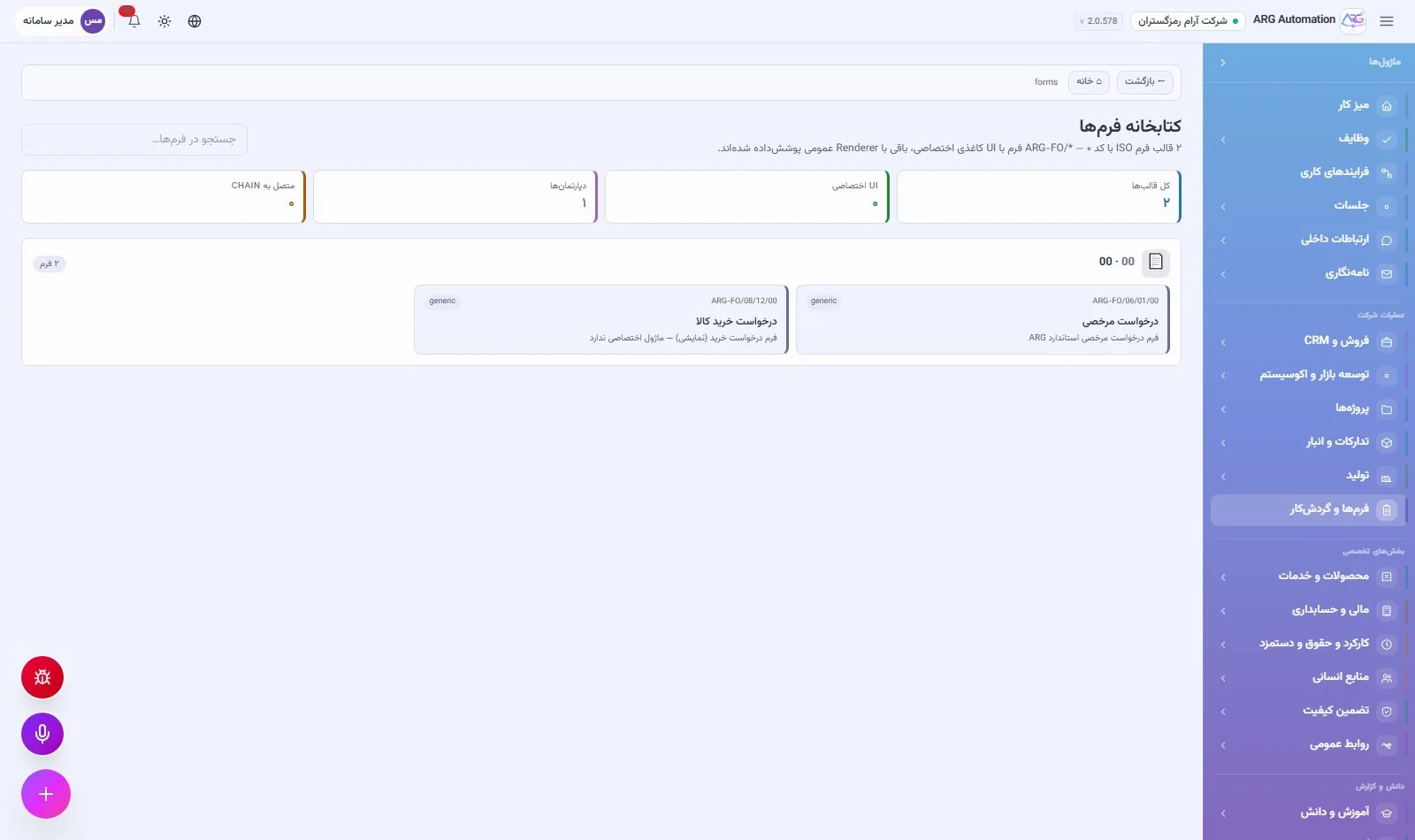
The form library keeps the organisation’s form templates with code and version, and new forms are built without code, with many field types and validation. Each completed form moves through an approval chain: every step is pending, approved or rejected, and the decision-maker, time and comment of each step are recorded. A rejection at any step closes the case; approval of the last step completes it.
Business processes
A business process consists of stages, an owner for each stage and a team mixing people and virtual employees. When a stage activates, its tasks are created automatically and the people responsible are notified, and each process has its own chat channel. The daily audit flags stalled processes and shows them in the management brief.
Knowledge base and organisational knowledge
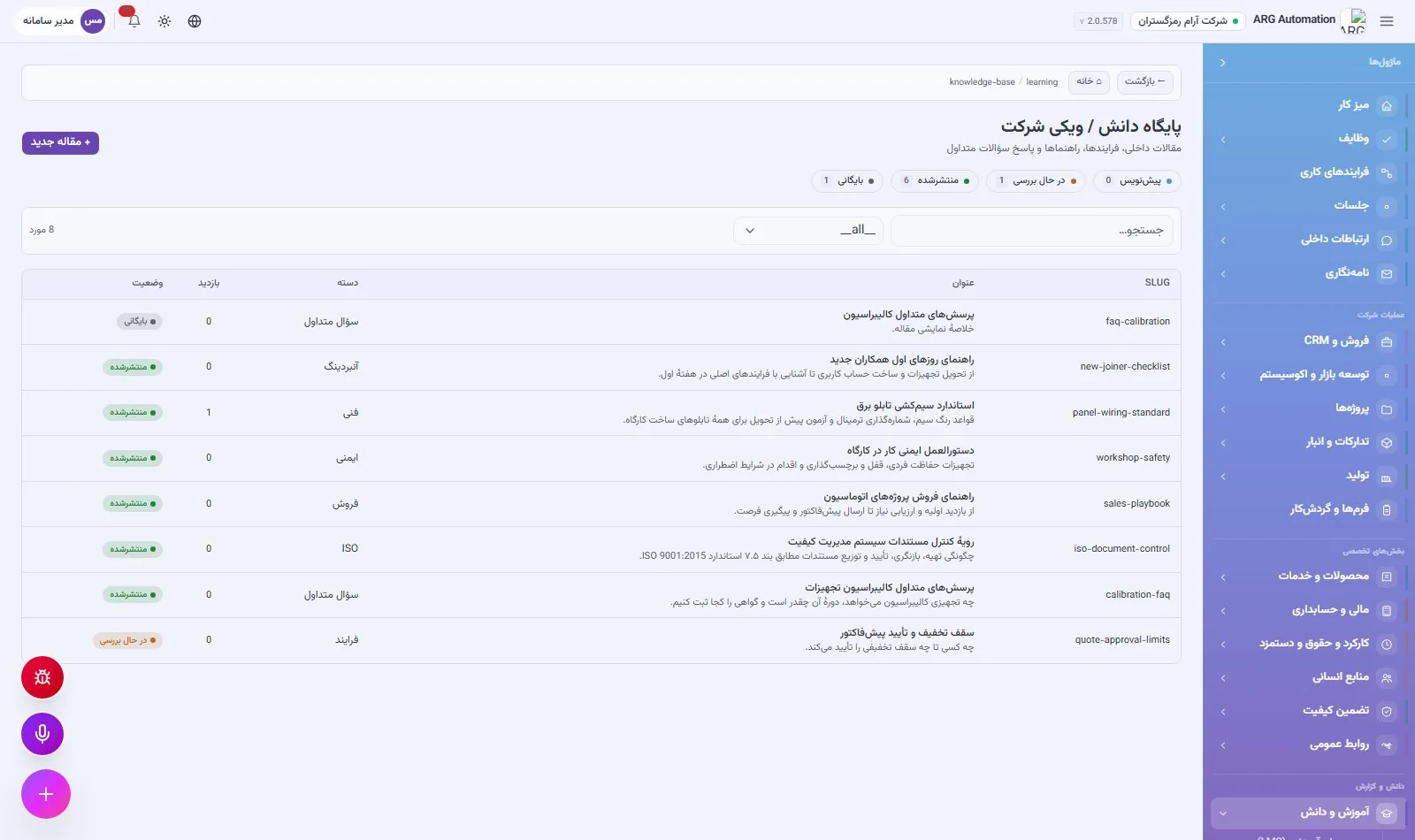
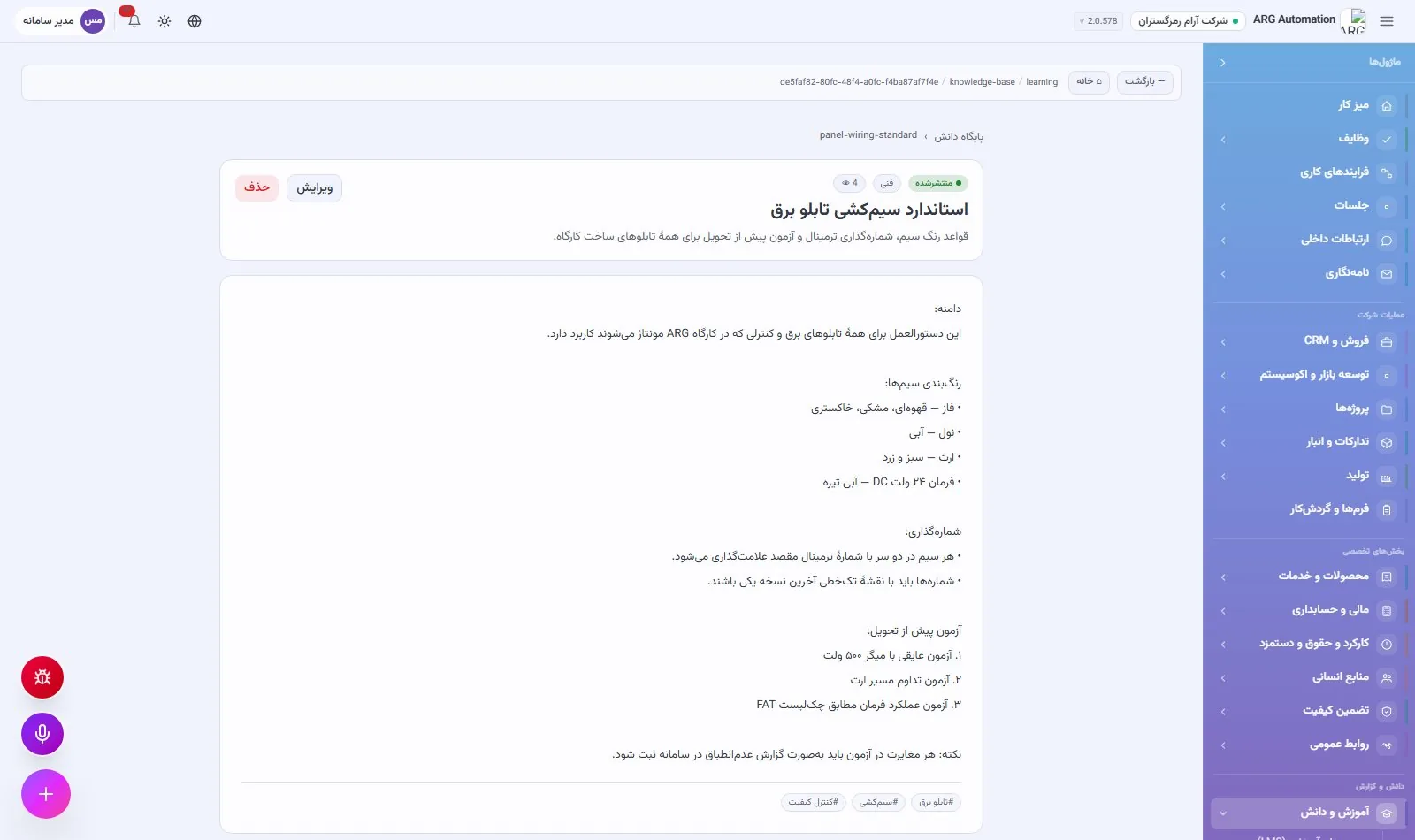
An organisation’s knowledge, from the panel wiring standard to the first-day guide for a new colleague, usually lives in a few people’s heads or in scattered files, and is lost when people leave. The ARG ERP knowledge base keeps this knowledge in a company wiki: each article has a category, tags, attachments and a publishing cycle, and every employee reaches it from the same system they work in every day.
What the knowledge base holds
| Category | Example content |
|---|---|
| Onboarding | A guide to a new colleague’s first days, key people and the main processes |
| ISO | Quality management system procedures and instructions |
| Technical | Manufacturing, installation and test standards, workshop instructions |
| Sales | Sales guide, discount policy, answers to common customer questions |
| HR | Regulations, leave, business trips and benefits |
| Safety | Personal protective equipment, lockout and tagout, emergencies |
| Process | Approval limits, request routes and how recurring work is done |
| FAQ | Short answers to employees’ most frequent questions |
| Other | Any knowledge that does not fit the categories above |
The article publishing cycle
Each article starts as a draft, is reviewed in the “In review” status before publishing, and once published is visible to employees. The article list shows the number in each status, so articles waiting for review are not overlooked. An article that is no longer valid is archived and its history is kept.
The structure of an article
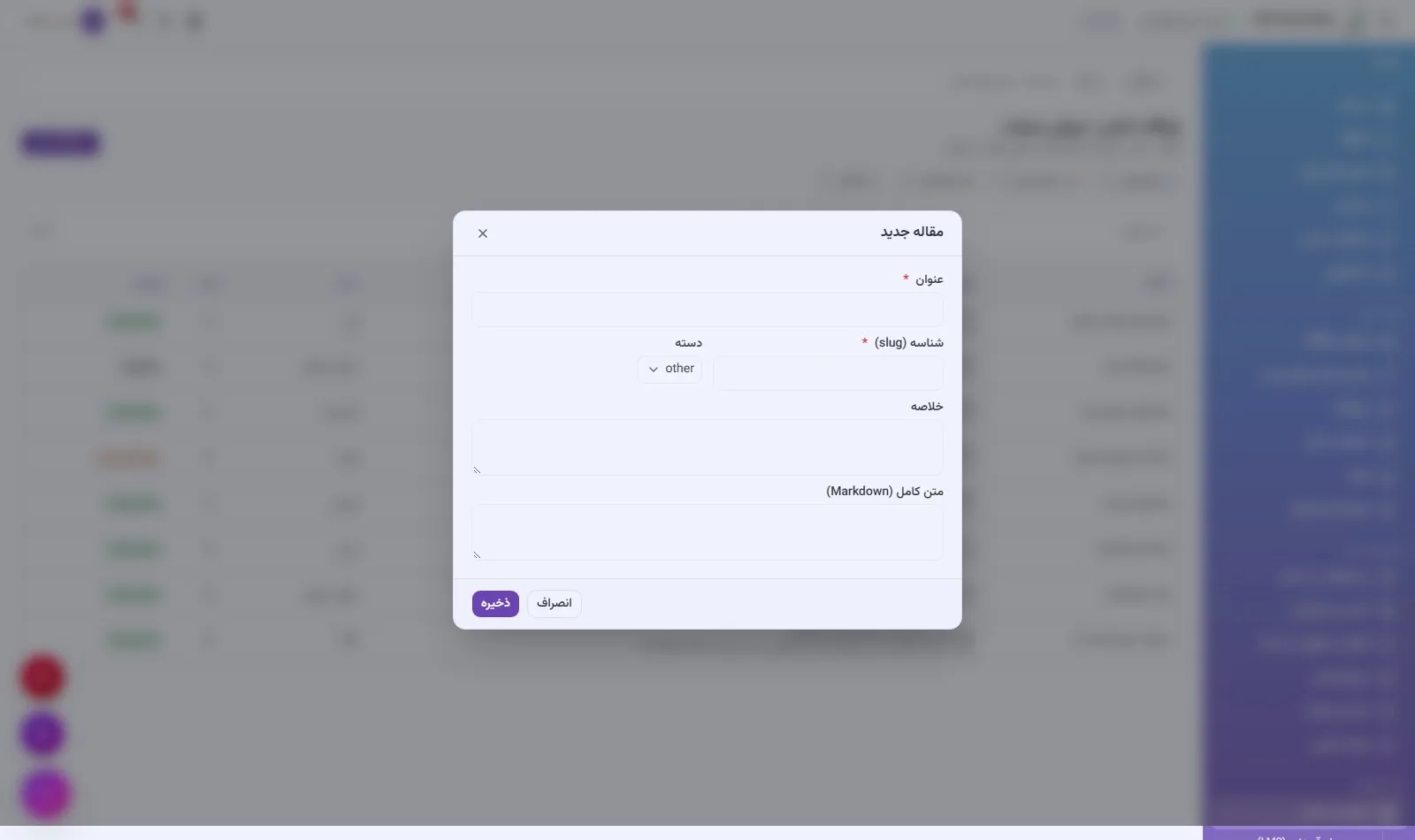
Title and identifier
A Persian and English title and a fixed identifier for linking to the article.
Summary and full text
A summary shown in the list and the article’s full text.
Category and tags
One of nine categories and any number of tags for finding it quickly.
Attachments
Drawings, PDF files, images or any other document are uploaded beside the article.
Editing in place
Edit, save or delete the article from its own page, without a separate editor.
History and statistics
Dates of creation, publication and last update, and each article’s view count.
Organisational knowledge beyond articles
The knowledge base is not the only source of knowledge in the system. Several other registers hold the organisation’s formal knowledge, and all are available in the same system:
| Knowledge source | What it holds |
|---|---|
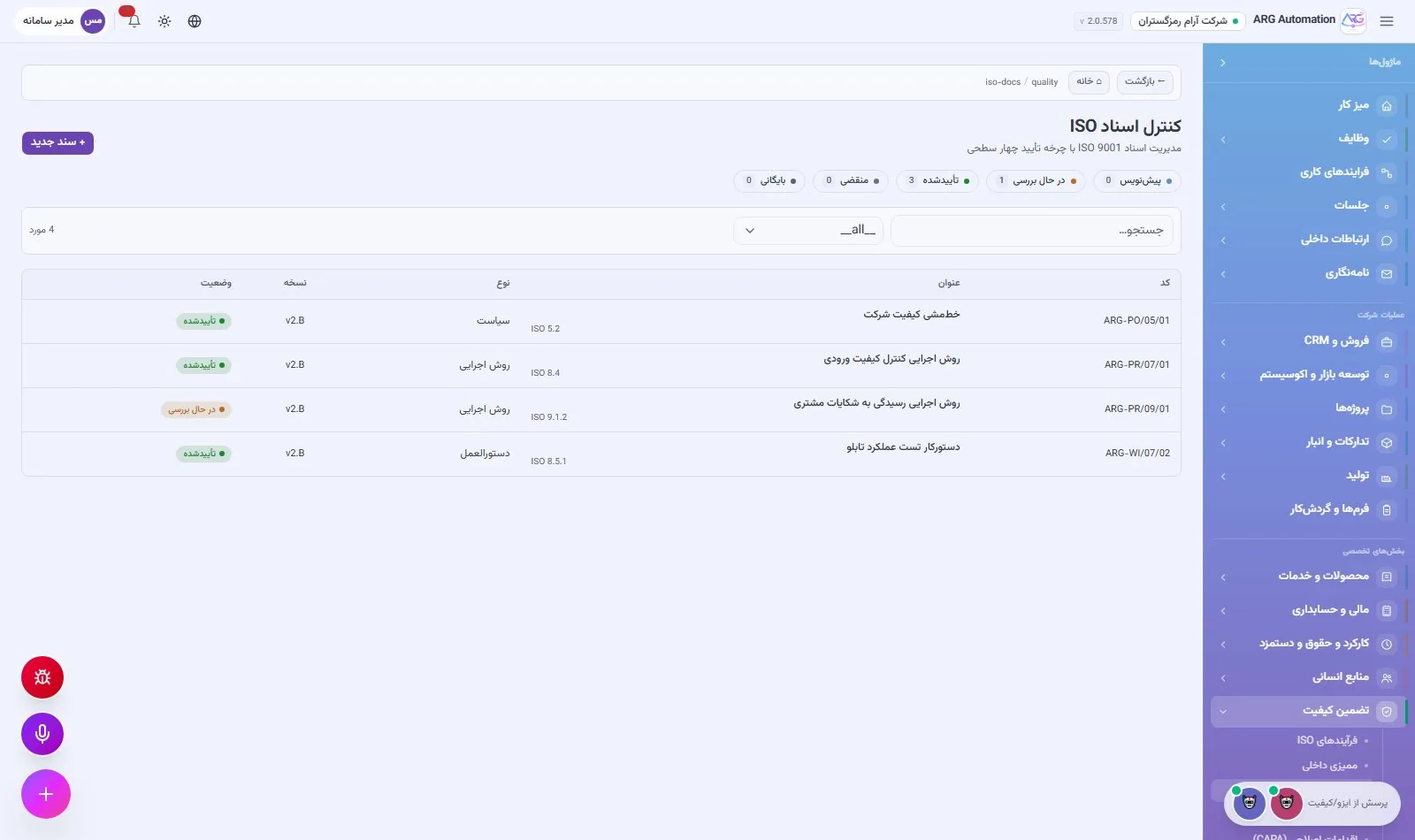
| ISO document control | Procedures, instructions, forms and policies with version, clause of the standard and approval status |
| Position job descriptions | The mission, duties, qualifications and competencies of each position |
| Form library | The organisation’s form templates with code and version |
| Letter templates | Thirty-seven ready templates for recurring correspondence |
| Meeting minutes | Meeting decisions and resolutions linked to tasks |
| Training courses | Course content, enrolment, scores and employees’ certificates |
Training and competence
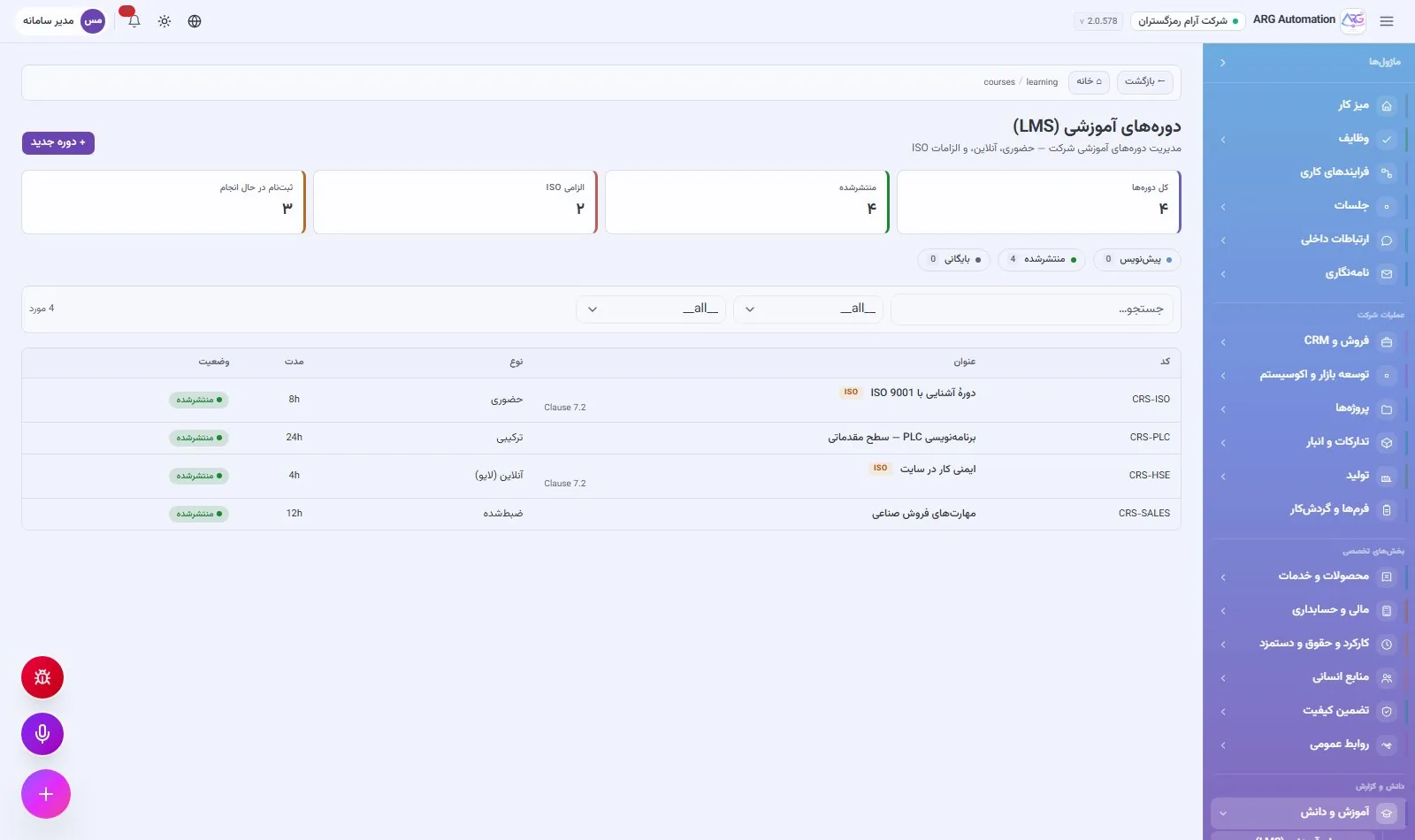
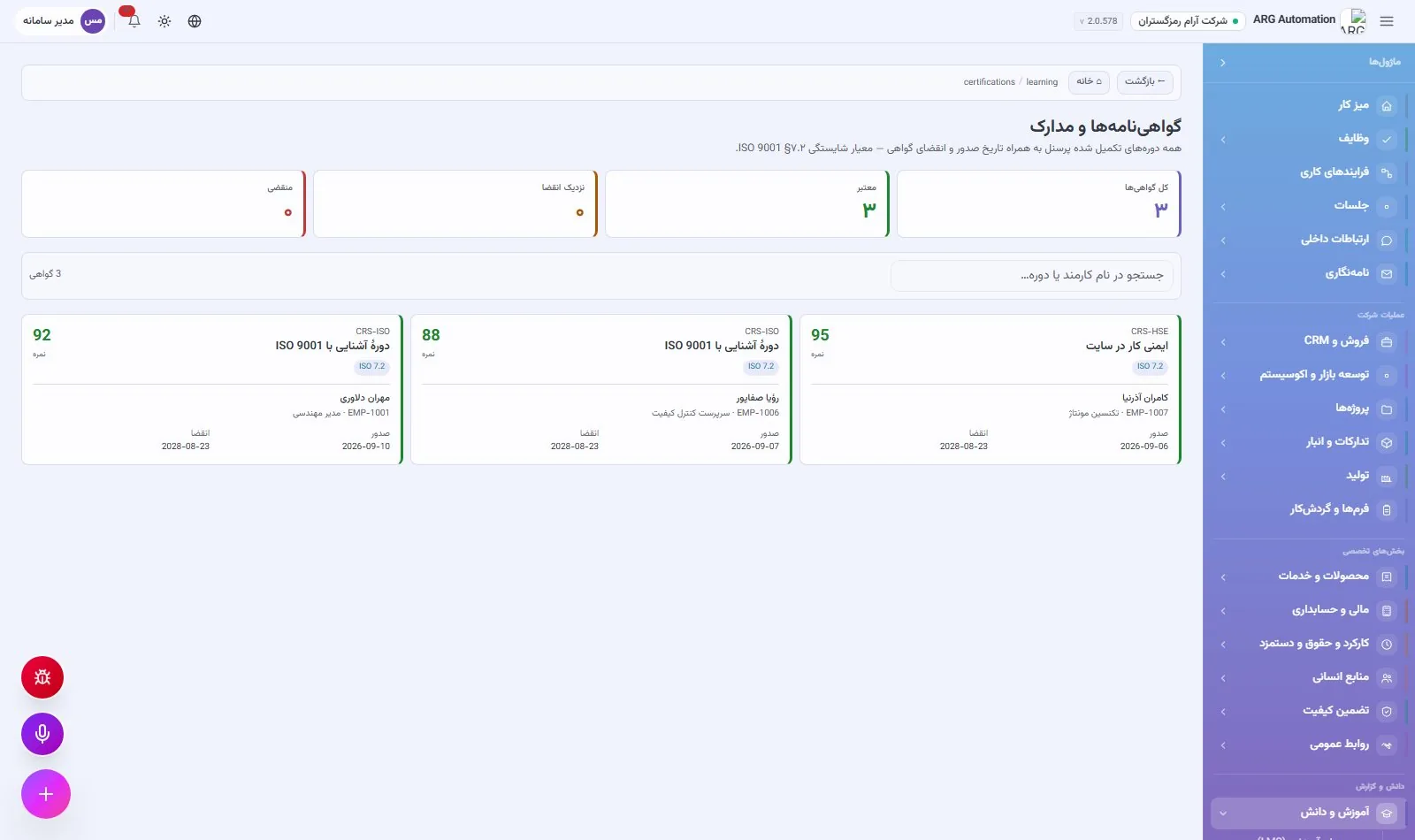
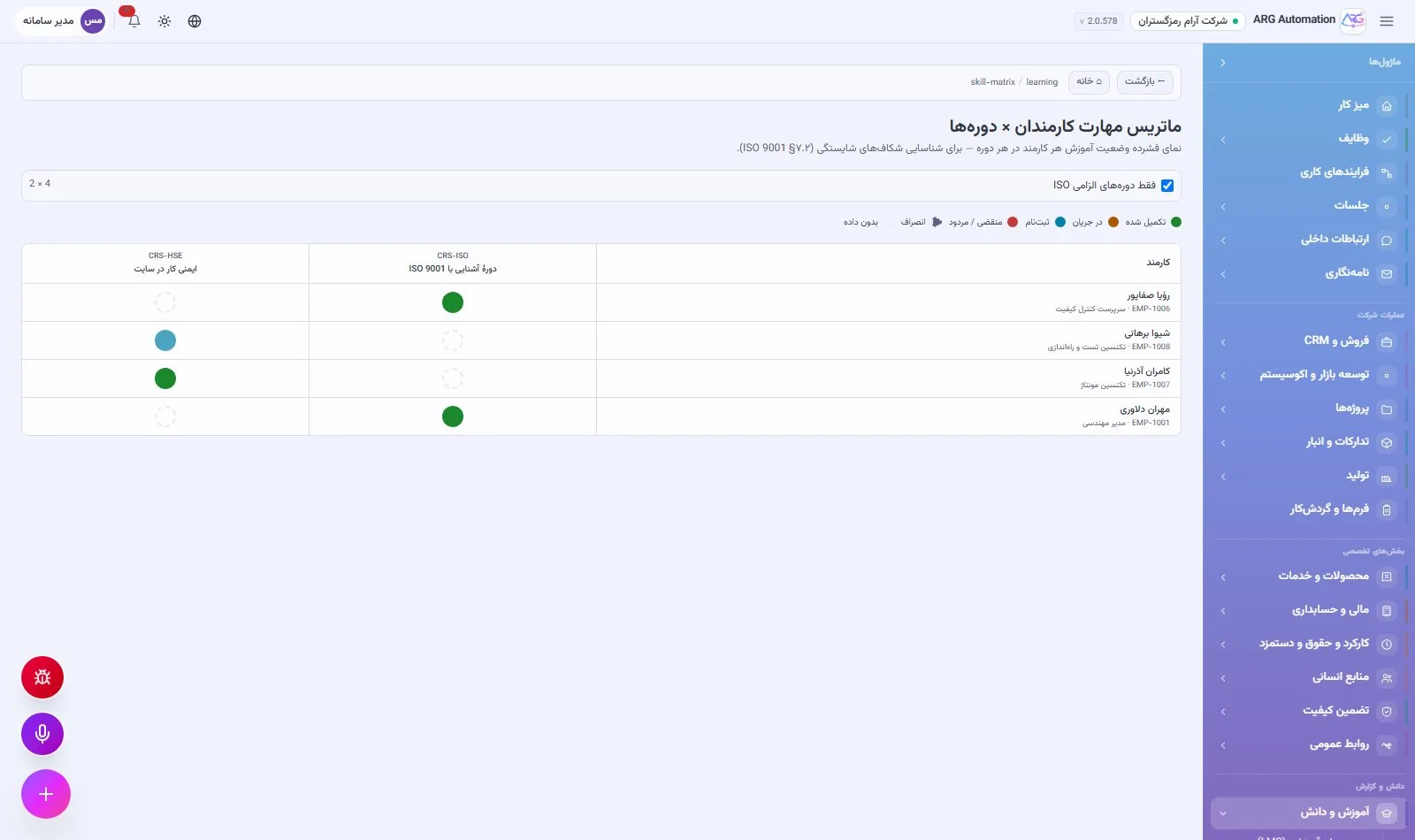
The organisation’s knowledge is completed by training. Courses of five kinds (in person, live online, recorded, blended and external) are defined with trainer, cost and hours, and each employee’s enrolment, progress, score and pass are recorded. The certificates page highlights expired certificates and those expiring within 60 days. The skill matrix shows the status of mandatory training for each person, and courses required by ISO are shown separately. This is exactly the evidence an ISO auditor asks for under the staff competence clause.
See ARG ERP for your organisation
Contact us for a walkthrough with sample data from your industry; existing users sign in here.