Direct control and scenes
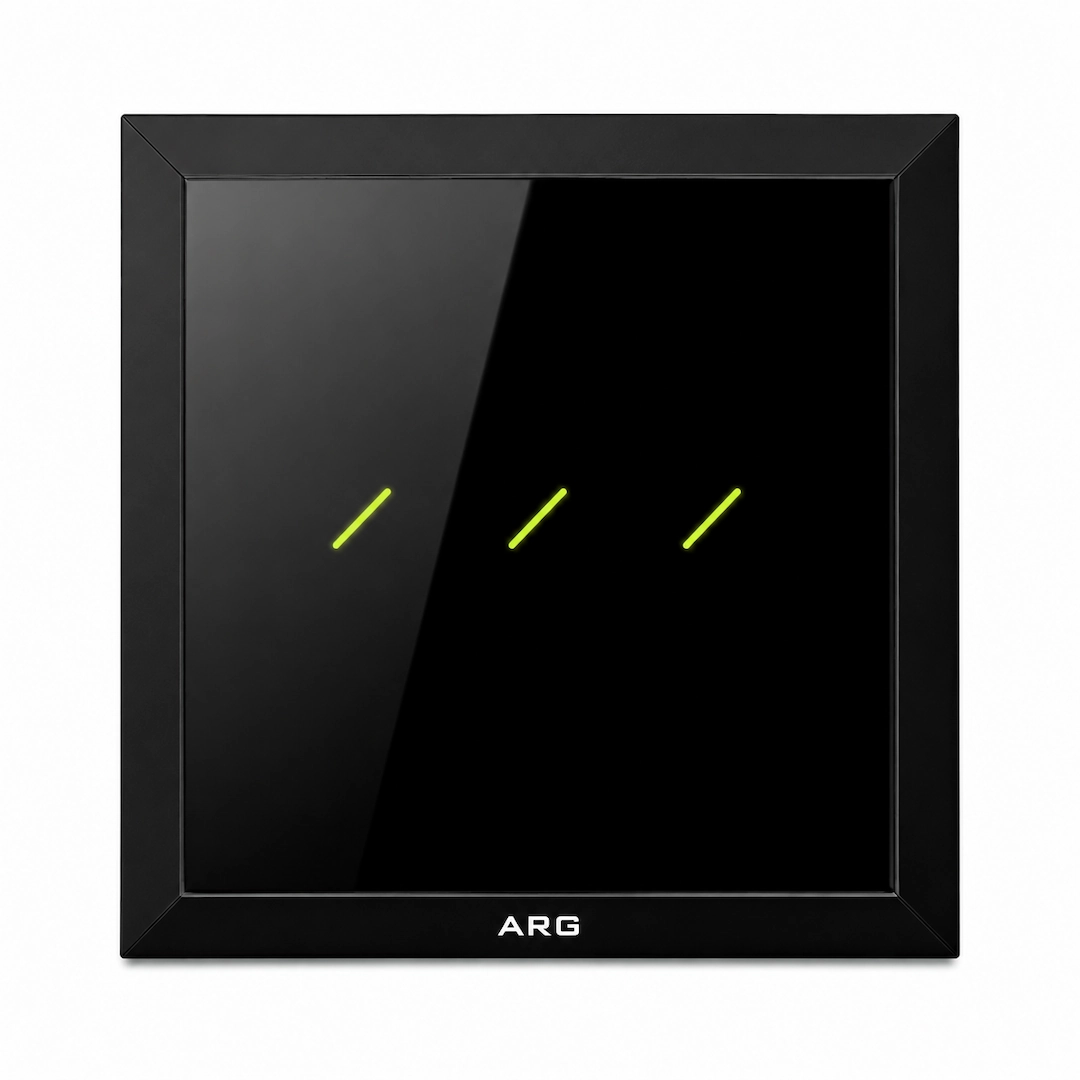
Each touch area can be configured for lighting or a scene. An entrance switch can, for example, activate a departure scene through the central system.
Lighting commands and scene activation
The everyday interface to lighting and room scenes, turning a touch into a coordinated response across a home or building.
Each touch area can be configured for lighting or a scene. An entrance switch can, for example, activate a departure scene through the central system.
Wired and RF variants address different infrastructure conditions. Wireless signaling does not remove power or load wiring requirements; selection follows the existing installation.
Manufacturer references describe crystal glass, body finishes and LED colors. Gang count and scene labels should match the room’s user experience.
In a smart configuration, switch events reach a controller and scene. Software commands and coordination with other devices depend on the version and integration path.
Select a stage to see its role in the system.
The user selects a touch area.
Three-gang and four-gang
Wired and Wireless RF variants
Supply variants selected against the model datasheet
Check gang count, load type, supply, neutral availability and command path before selection.
Discuss project requirements